
WR3600H
1.0
Phase-Out
Amazon A+ Content
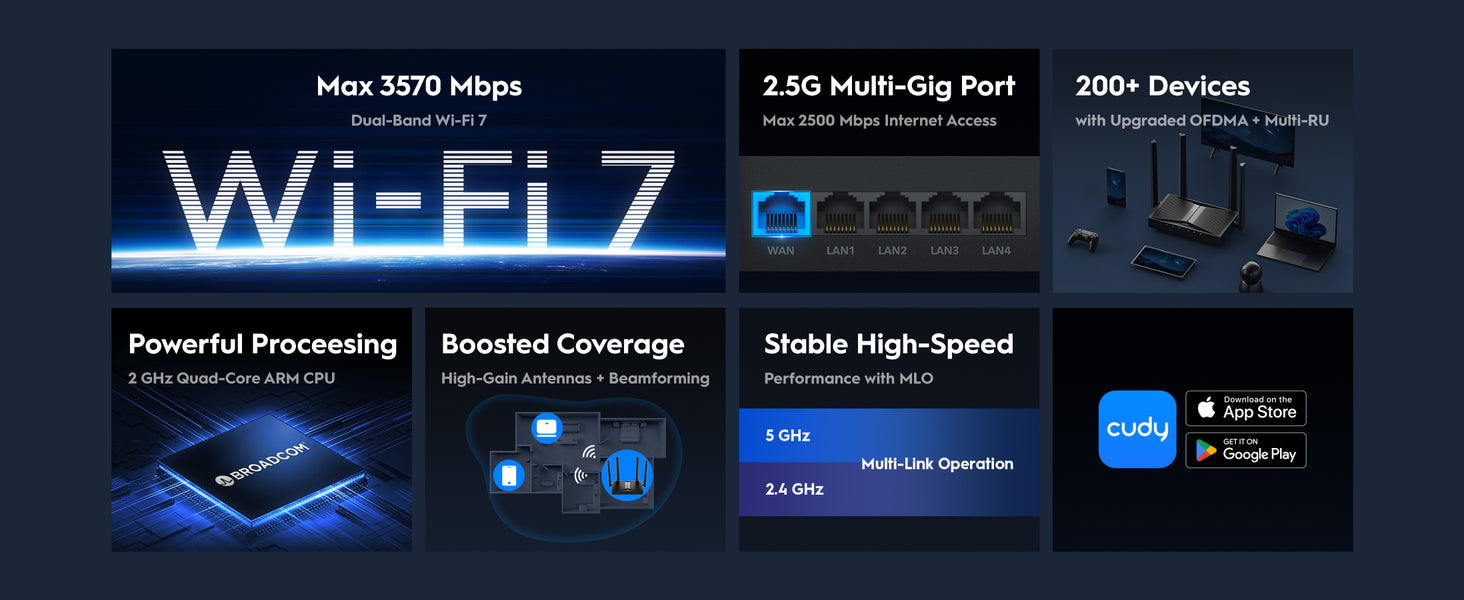

Elaborazione Wi-Fi 7 avanzata
CPU potente. Super reattivo.
Elaborazione Wi-Fi 7 avanzata
CPU potente. Super reattivo.
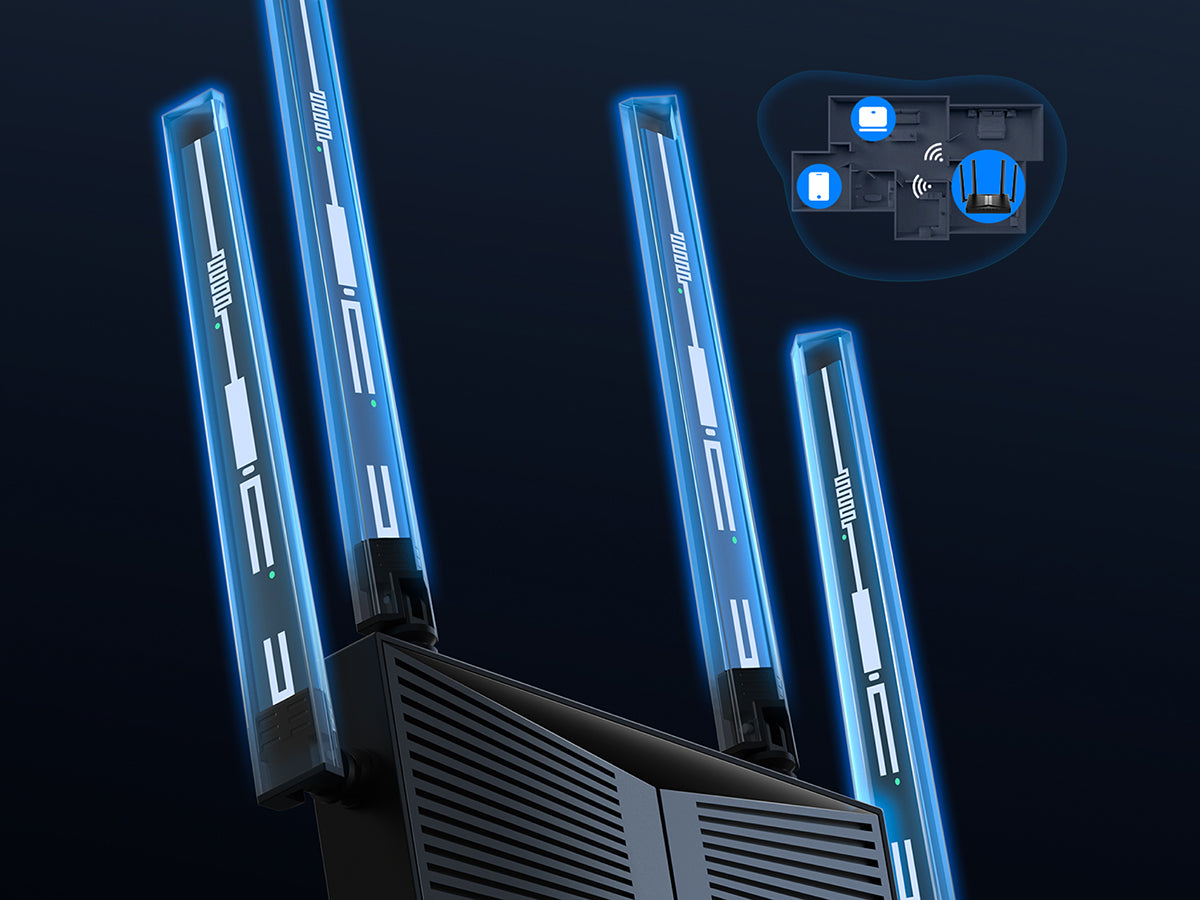
Antenne ad alto guadagno e beamforming
Portata Wi-Fi ottimale per stanze extra
Antenne ad alto guadagno e beamforming
Portata Wi-Fi ottimale per stanze extra
OFDMA con Multi-RU e Perforazione
Connetti 200 dispositivi e rimani veloce
OFDMA con Multi-RU e Perforazione
Connetti 200 dispositivi e rimani veloce
Configurazione semplice e gestione versatile

Facile da usare

Controllo genitori

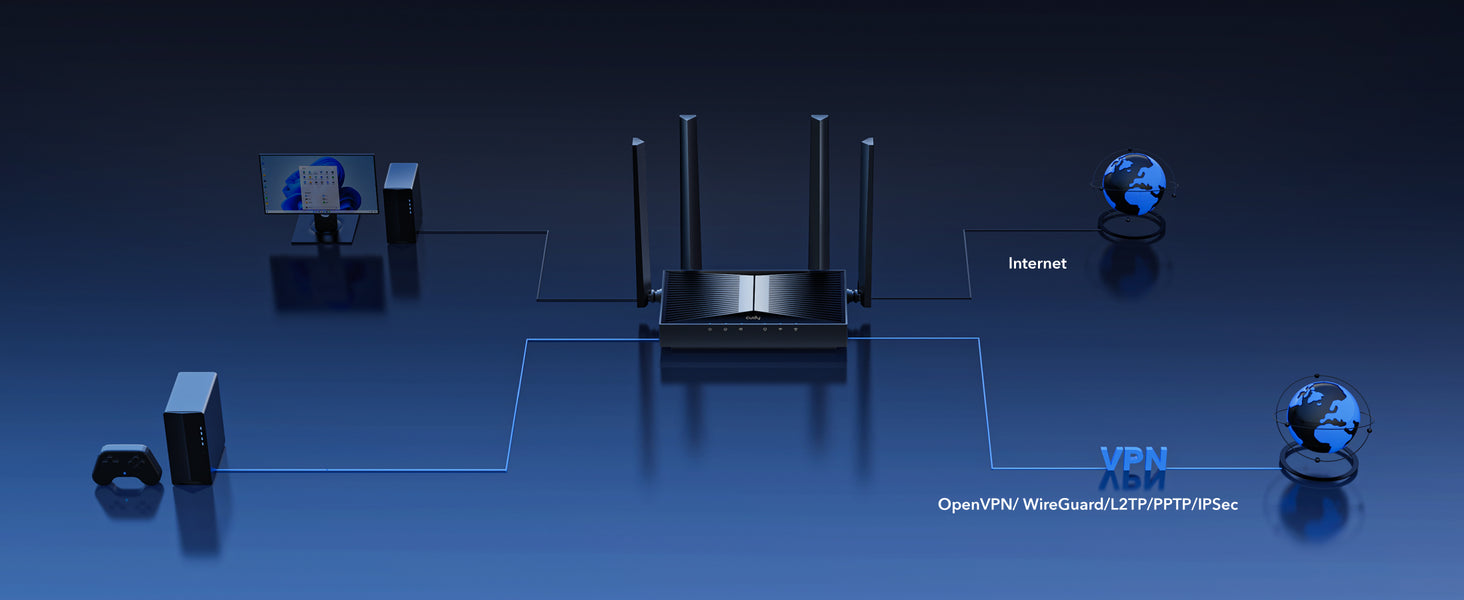
Server e client VPN

Applicazione Cudy
Accesso remoto sicuro con server e client VPN


| Versione del modello | ||
|---|---|---|
| Versione del modello | WR3600H 1.0 | |
| CPU | ||
| CPU | CPU Details | 2.0 GHz Quad-Core, ARM Cortex-A7 |
| Memory/Storage | ||
| Memory/Storage | Flash/ROM | 128 MB (1 Gbit) NAND |
| DDR/RAM | 512 MB (4 Gbit) DDR3L | |
| Wireless | ||
| Wireless | MLO Speeds | 3570 Mbps |
| 5 GHz Wi-Fi Speed | 2882 Mbps | |
| 2.4 GHz Wi-Fi Speed | 688 Mbps | |
| 5 GHz Wi-Fi Streams | 2 Spatial Streams | |
| 2.4 GHz Wi-Fi Streams | 2 Spatial Streams | |
| Wi-Fi Antennas | 4× Fixed | |
| FEM or PA/LNA | 5 GHz: 2× External, 2.4 GHz: 2× Internal | |
| Beamforming | ||
| Range Performance |
Max: 220 m (722 ft) Tested in open-space environments with minimal interference. Actual WiFi range may vary depending on layout and wall materials. Refer to the Wall Performance specifications for placement suggestions. |
|
| Wall Performance |
Two wooden walls with thickness < 10 cm (4'') One concrete wall with thickness < 20 cm (7'') or two concrete walls with thickness < 10 cm (4'') |
|
| Interfaces | ||
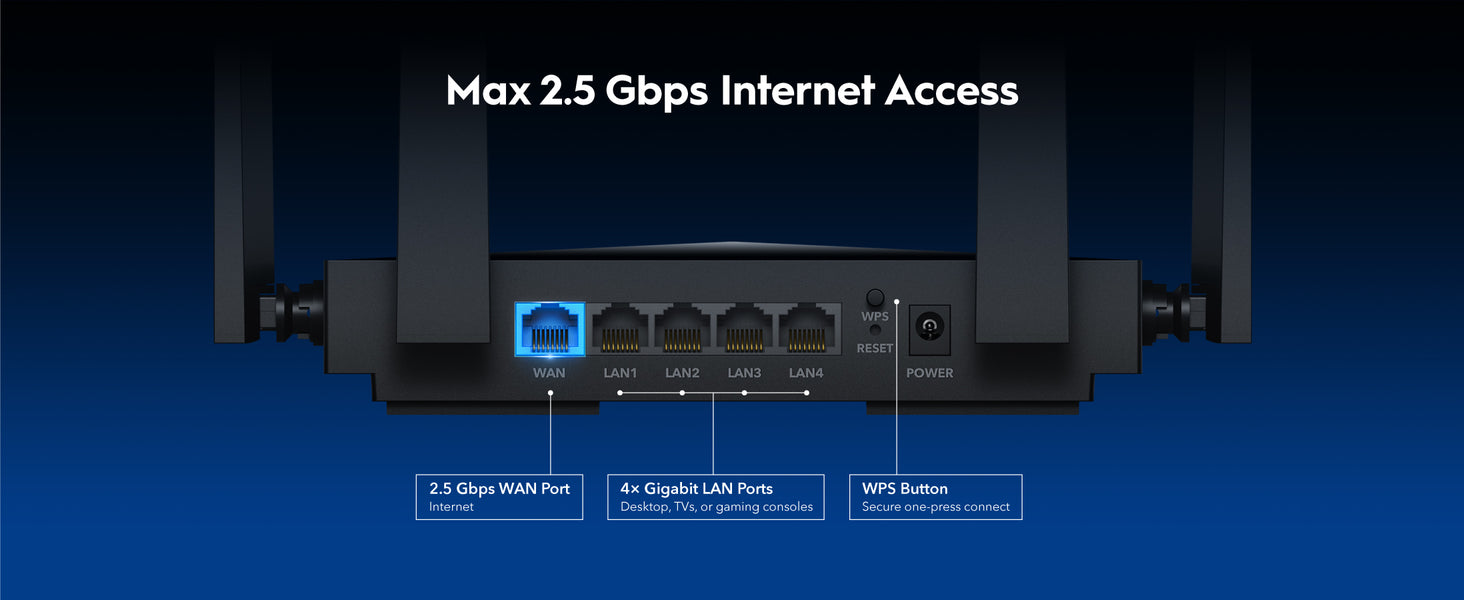
| Interfaces | 2.5G RJ45 Ports | 1 |
| Gigabit RJ45 Ports | 4 | |
| Ethernet Notes | The 2.5G port is WAN port, the Gigabit ports are LAN ports | |
| Buttons and LEDs | ||
| Buttons and LEDs | LED | Power, Internet, WAN, LAN, 2.4 GHz Wi-Fi, 5 GHz Wi-Fi |
| Physical Buttons | WPS Button, Reset Button | |
| Power | ||
| Power | Power Input Type | DC Jack |
| Power Methods | DC | |
| Power Input | 12V⎓1A | |
| Max Power Consumption (W) | 10W | |
| Power Adapter In the Box |
Input: 100-240V~, 50/60Hz Output: 12V⎓1A |
|
| Reliability | ||
| Reliability | Environment |
|
| Certifications | ||
| Certifications | FCC, CE | |
| Mechanical | ||
| Mechanical | Installation |
|
| Dimension |
Device: 183.3×109×38 mm 7.22×4.29×1.5 inches Each Antenna: 175 mm 6.89 inches |
|
| Product Weight | 332.0 g (11.71 oz.) | |
| Package Content | ||
| Package Content |
|
|
| Ordering Information | ||
| Ordering Information | Retail Package Weight | EU: 762.0 g (26.88 oz.) |
| Retail Package Dimension |
330×256×60 mm 12.99×10.08×2.36 inches |
|
| Units per Carton | 10 | |
| Carton Dimension |
52.8×31.7×34.7 cm 20.79×12.48×13.66 inches |
|
| Carton Gross Weight | EU: 8.5 kg (18.74 lbs) | |
| Carton Net Weight | EU: 7.6 kg (16.76 lbs) | |
| Versione del modello | ||
|---|---|---|
| Versione del modello | WR3600H 1.0 | |
| Wireless | ||
| Wireless | Wi-Fi Standards | Wi-Fi 7 |
| Separate Client | ||
| Max Wi-Fi Modulation | 4K-QAM | |
| Wi-Fi Efficiency |
|
|
| Max Capacity | 512 | |
| Recommended Client Upper Limit | 200 | |
| Wi-Fi Channel Width | Auto/20/40/80/160 MHz | |
| Wi-Fi Security | WPA/WPA2/WPA3 | |
| Guest Network | 2.4 GHz, 5 GHz | |
| WPS | ||
| General | ||
| General | Operation Modes |
|
| Mesh | Cudy Mesh | |
| Mesh Backhaul |
|
|
| Multi-Band Backhaul | ||
| WAN Mode |
|
|
| Network | ||
| Network | QoS |
|
| DHCP |
|
|
| IP Versions | IPv4/IPv6 | |
| IPv6 Protocols |
|
|
| Multicast | ||
| IPTV/VLAN |
|
|
| TTL Customization |
|
|
| IGMP |
|
|
| Forwarding |
|
|
| Firewall |
|
|
| Application Layer Gateway |
|
|
| Utilities | ||
| Utilities | VPN Server |
|
| VPN Client |
|
|
| VPN Performance |
|
|
| DNS Options |
|
|
| DNS over TLS Providers |
|
|
| Wake on LAN | ||
| Online Detection | ||
| Management | ||
| Management | Parental Controls |
|
| All Devices Management |
|
|
| Per-Devices Management |
|
|
| Content Management |
|
|
| System | ||
| System | LED Control | |
| Local Control Method |
|
|
| Remote Control Method |
|
|
| Firmware Upgrade |
|
|
| Reliability |
|
|
| Diagnostic Tools |
|
|
| Languages |
|
|
| Dashboard | ||
| Dashboard | Panel |
|
| Charts |
|
|
- La velocità effettiva dei dati wireless varierà in base alle condizioni della rete, alle limitazioni del client e a fattori ambientali tra cui la disposizione dell'edificio, gli ostacoli e la posizione del client.
- La dichiarazione di copertura wireless serve solo come riferimento. Le prestazioni di copertura varieranno a causa di fattori ambientali tra cui la disposizione dell'edificio, gli ostacoli, il volume e la densità del traffico e la posizione del dispositivo. Per una copertura ottimale, posizionare il dispositivo in una posizione centrale all'interno dell'area che richiede Wi-Fi.