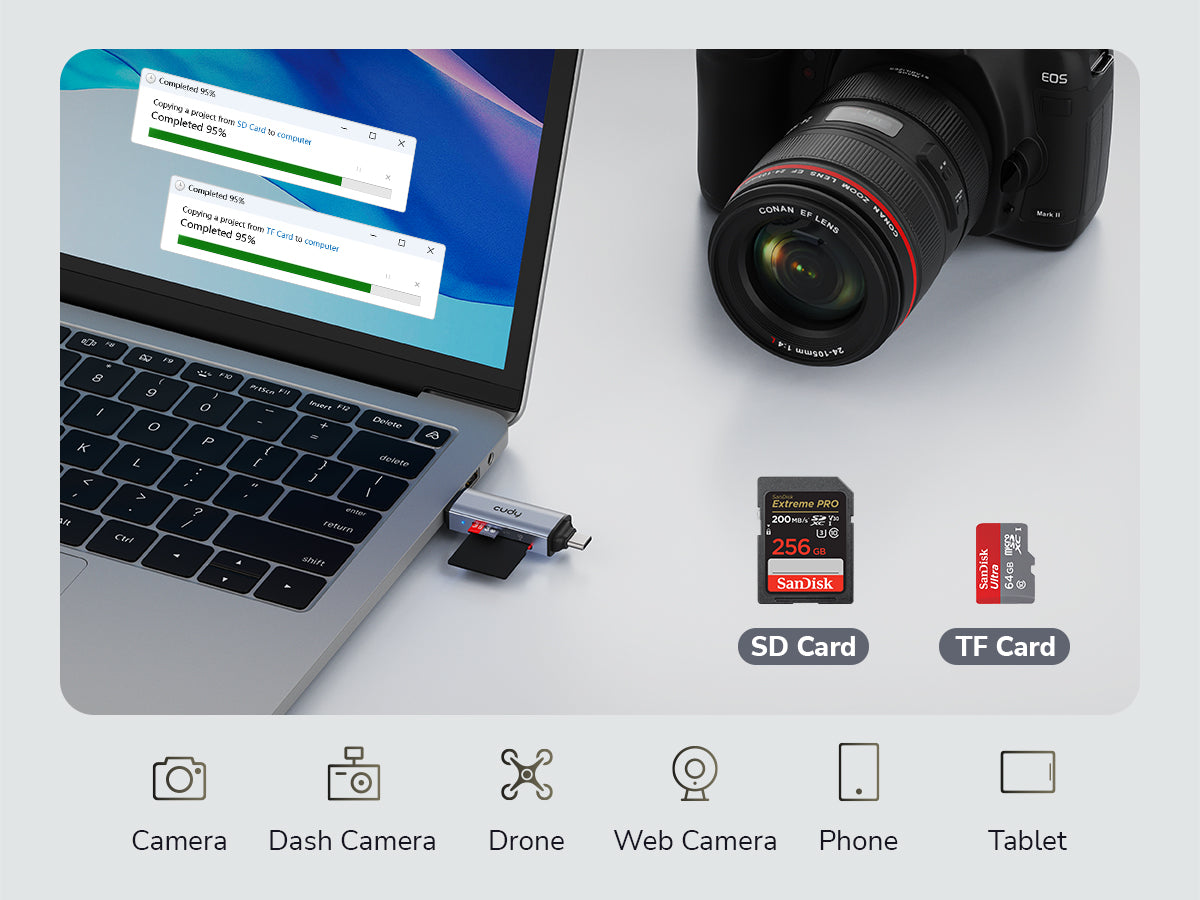
Effortlessly read and transfer data from both an SD and a microSD card at the same time. Say goodbye to card swapping and delays—enhance your workflow and maximize productivity. Perfect for photographers, videographers, and content creators.
Dual Card Slots
Read 2 Cards Simultaneously
Effortlessly read and transfer data from both an SD and a microSD card at the same time. Say goodbye to card swapping and delays—enhance your workflow and maximize productivity. Perfect for photographers, videographers, and content creators.
Plug & Play
Effortless Sharing
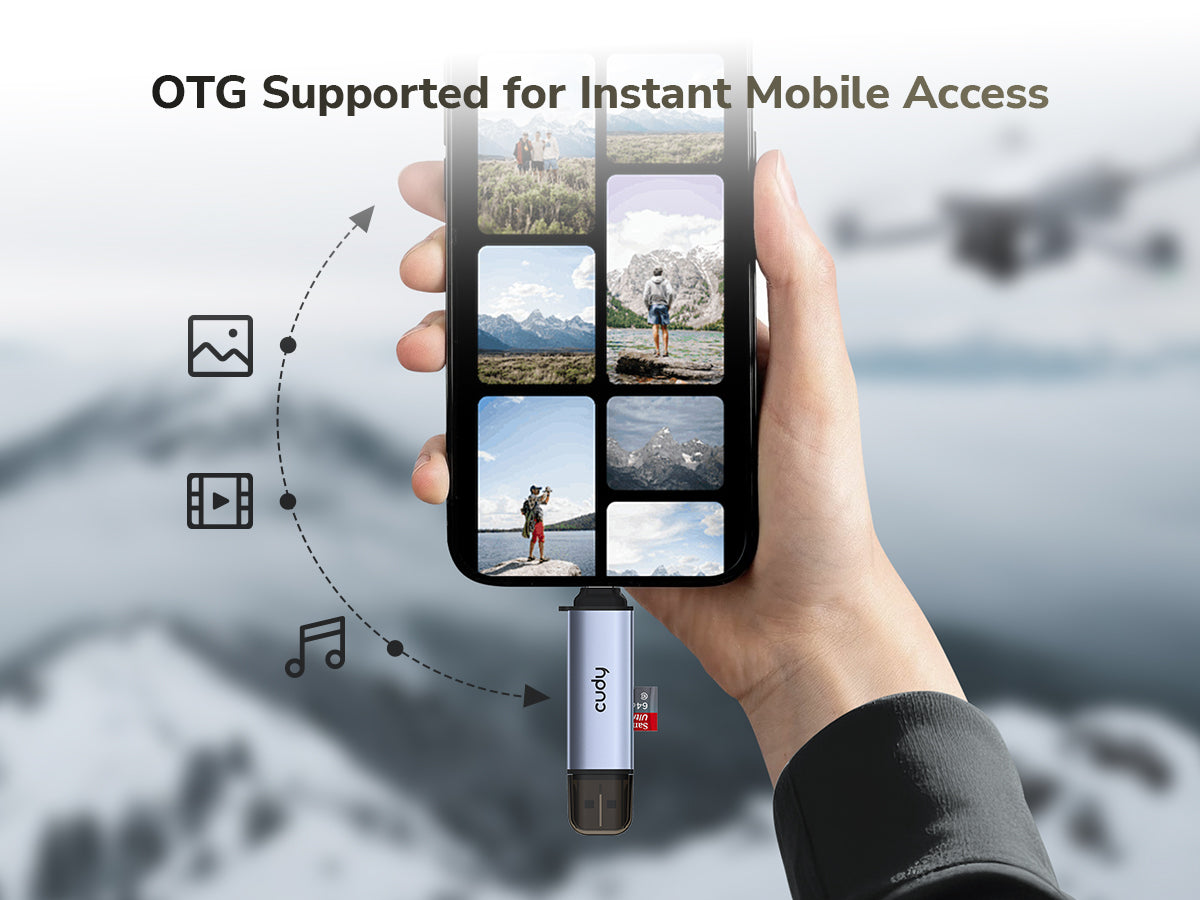
Easily connect to your smartphone or tablet via OTG support, with no app installation required. No need for a computer, making it easier than ever to share your moments on the go.
Plug & Play
Effortless Sharing
Easily connect to your smartphone or tablet via OTG support, with no app installation required. No need for a computer, making it easier than ever to share your moments on the go.
Plug-and-Play SD/TF card reader with USB-A & USB-C connectors. Supports dual card reading for fast, easy file access on laptops, tablets, and phones. Ideal for photographers, videographers, and creators on the go.
1× USB-C 3.2 Gen 1 Male (5 Gbps)
1× USB-A 3.2 Gen 1 Male (5 Gbps)
1× SD Card Slot, 1× TF Card Slot
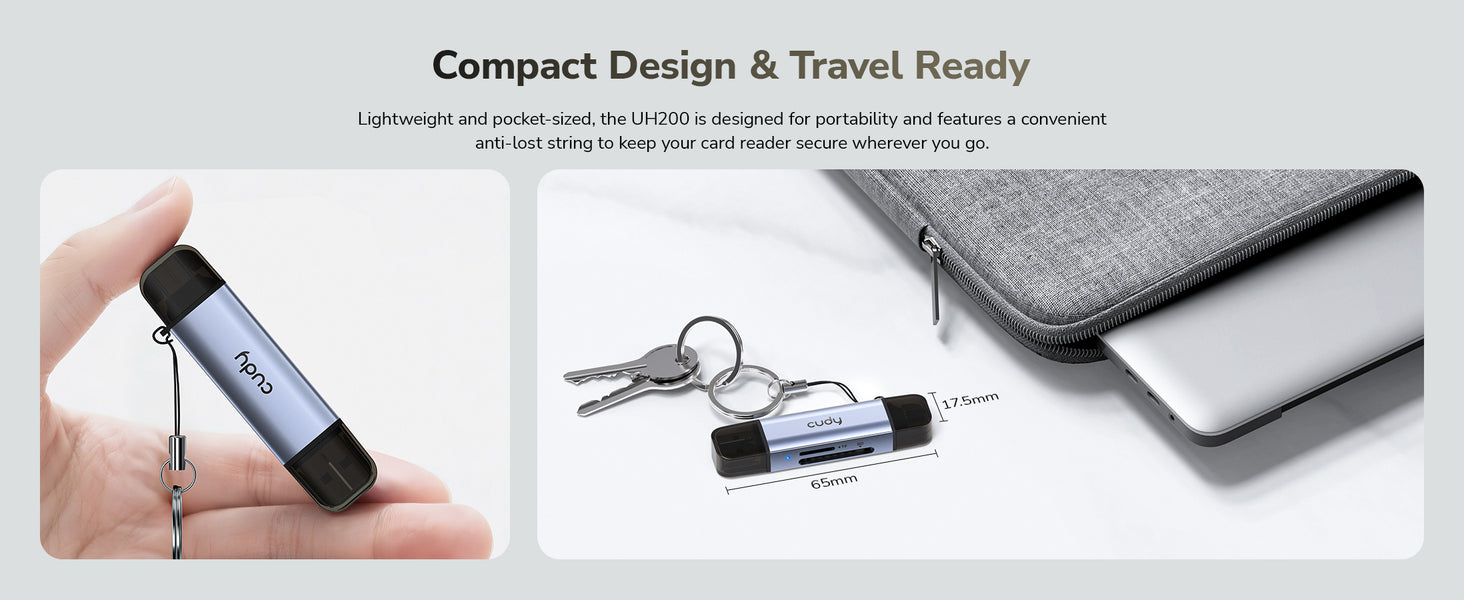
65×17.5×10 mm (2.56×0.69×0.39")
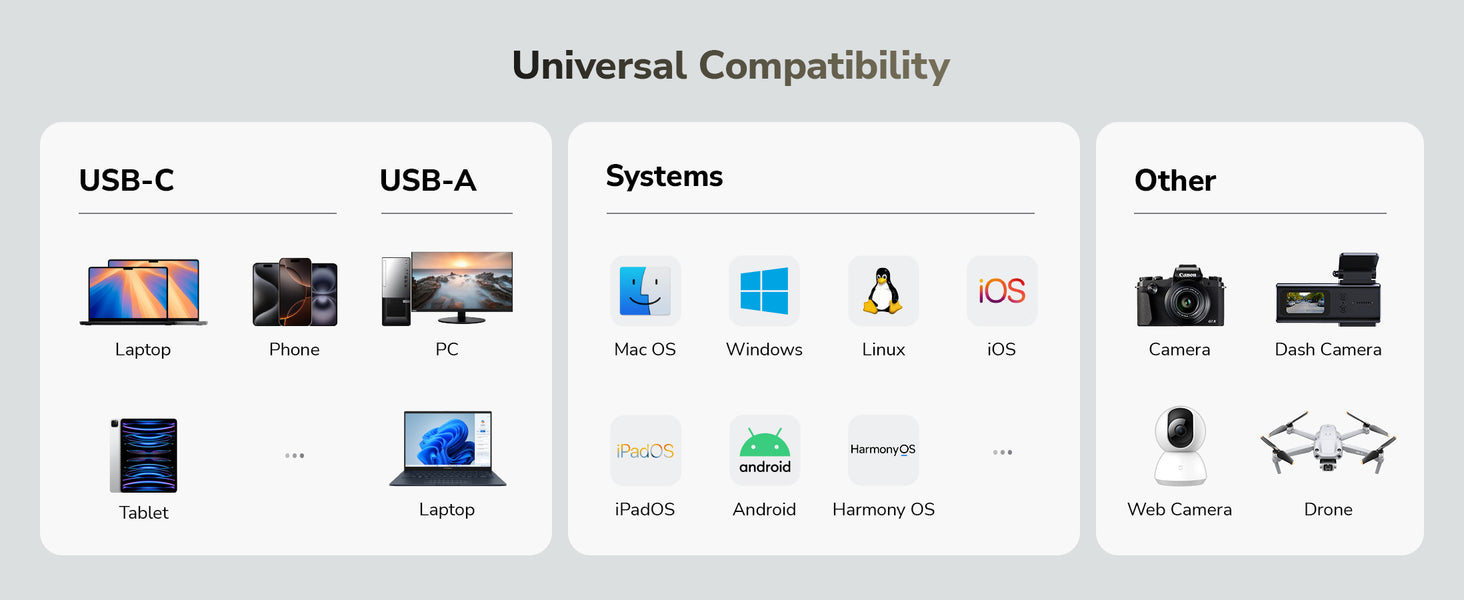
Works with PC/Mac/iPad/iPhone/Android
Condividere
InfoCard Size: 10 × 15cm
What to do next?
Edit: Right click the content you want to edit and click "Inspect" to edit it.
Print/Save: Right click in the browser and click "Print", save it as PDF or print it directly. Check print settings below if it's your first-time printing.
Print Settings:
Check the option "Background graphics" to enable gray background.
Uncheck the option "Headers and footers" to remove page information.
Cut:
Refer to the gray border line to cut out the finished InfoCard.
It's recommended to use third-party tools to merge the files before printing to save paper when printing multiple InfoCards.