
如下文档以WR3000 V1.0为例介绍如何进行固件升级。
1. 下载您的Cudy路由器型号对应的升级软件并解压。
请打开Cudy官网下载中心,网址是:https://www.cudy.com/zh-cn/pages/download-center/search
产品线选择 “无线路由器”,型号选择 “WR3000 1.0”,如下图所示。请选择最新日期版本的固件,并点击“下载”,将固件下载到您的电脑上。

注意:如果您的路由器型号不是WR3000 V1.0,请选择对应的正确型号并下载正确的固件。
下载的升级固件文件一般是一个ZIP格式的压缩包,请解压成文件夹。如下图所示。

2. 将您的这台电脑使用网线连接到路由器的LAN口或者Wi-Fi连接路由器Wi-Fi无线网络。
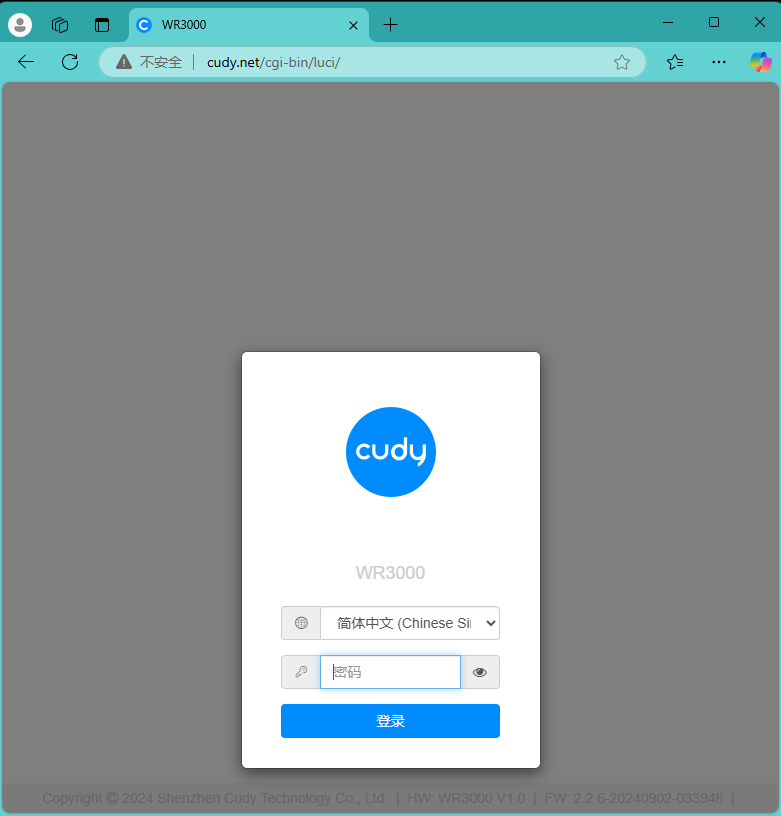
3. 电脑打开浏览器登录路由器的网页管理页面,默认网址是 http://cudy.net 或者 http://192.168.10.1。输入管理员密码登录。
4. 打开“高级设置”---“系统”---“固件升级”页面。

点击“浏览”,在计算机上找到刚刚下载并解压的升级固件。点击“打开”,进行上传。

上传之后,路由器会进行校验,如果没有告警信息,如下图所示。请点击“继续”开始升级。

等待大约3分钟左右,升级并重启完毕。
183 条评论
I can’t install the intermediate update 1.0.4 20241205 for WR1500 1.0, after uploading the file, it gets stuck until I restart it. After restart it’s still the old firmware. I have tried using Chrome, on different devices, multiple times. Every time it ended the same. Current firmware is 1.0.4 20241017. Intermediate update fails, and final update is not recognized. I cannot update firmware.
@Dear Wielmo,
I am not sure about it. If you will, we can offer you a new beta firmware version of your router.
“Hi, when will be new firmware realease for cudy lt15e ? And new app cudy update. In app there are so few functionalitu agains web panel.”
Hi, when will be new firmware realease for cudy lt15e ? And new app cudy update. In app there are so few functionalitu agains web panel.
@Dear Raj,
We have forwarded your request to our R&D team.
““What is going on, Cudy? We are still waiting for a stable firmware update for the WR3000S. We are facing too many bugs and issues every day. When will you finally release a fix? This is getting really frustrating!””
“What is going on, Cudy? We are still waiting for a stable firmware update for the WR3000S. We are facing too many bugs and issues every day. When will you finally release a fix? This is getting really frustrating!”