
如下文档以WR3000 V1.0为例介绍如何进行固件升级。
1. 下载您的Cudy路由器型号对应的升级软件并解压。
请打开Cudy官网下载中心,网址是:https://www.cudy.com/zh-cn/pages/download-center/search
产品线选择 “无线路由器”,型号选择 “WR3000 1.0”,如下图所示。请选择最新日期版本的固件,并点击“下载”,将固件下载到您的电脑上。

注意:如果您的路由器型号不是WR3000 V1.0,请选择对应的正确型号并下载正确的固件。
下载的升级固件文件一般是一个ZIP格式的压缩包,请解压成文件夹。如下图所示。

2. 将您的这台电脑使用网线连接到路由器的LAN口或者Wi-Fi连接路由器Wi-Fi无线网络。
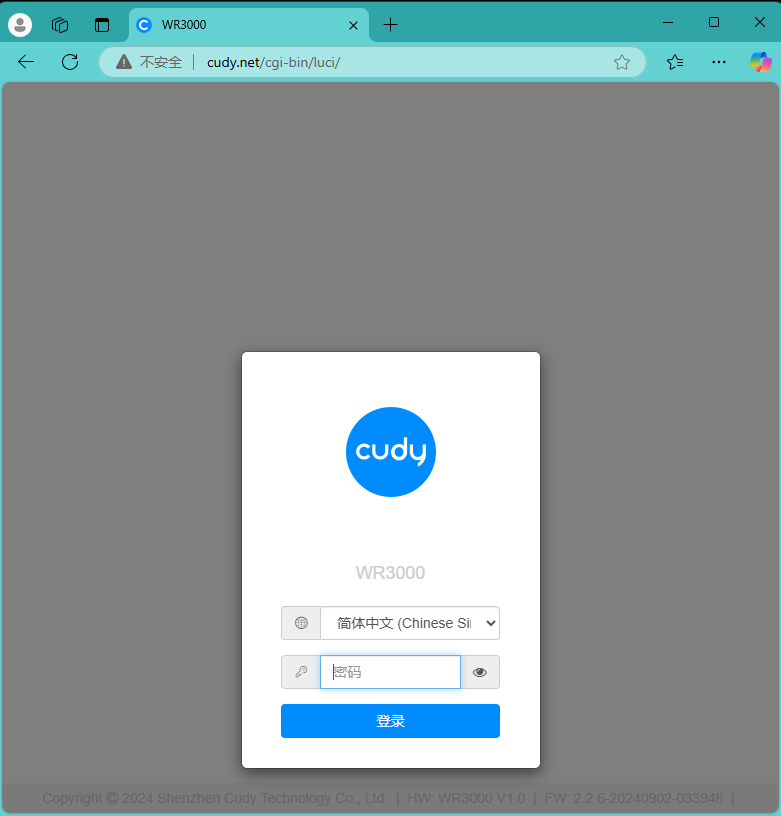
3. 电脑打开浏览器登录路由器的网页管理页面,默认网址是 http://cudy.net 或者 http://192.168.10.1。输入管理员密码登录。
4. 打开“高级设置”---“系统”---“固件升级”页面。

点击“浏览”,在计算机上找到刚刚下载并解压的升级固件。点击“打开”,进行上传。

上传之后,路由器会进行校验,如果没有告警信息,如下图所示。请点击“继续”开始升级。

等待大约3分钟左右,升级并重启完毕。
183 条评论
Hi support team,
I confirm that past thursday I replaced the power adapter with a 12V 4A one, updated the firmware to version 2.4.25, and re-enabled 802.11ax on the Cudy P5 router. Interestingly, I noticed that today, after being active for 17 hours, the router restarted after having been up and running for 7 days the wifi config 802.11ac on 5Ghz band without any issues.
Therefore, I reconfigured 802.11ac on the 5GHz band and 802.11n on the 2.4GHz band on the Cudy router to see how the service behaves.
My question is, could this be related to a bug with 802.11ax on 5Ghz band?
Reading the previous comments too, I’m almost certain that the intermediate file is to blame and is not accepted by the WR1500 v1.0 router.
I tried installing it via laptop and ethernet using Chrome or Explorer as the browser. The result was exactly the same.
Then I tried via WiFi with my Android mobile phone using Chrome or Opera.
Again the same results.
In the meantime, I have already updated easily on both the WR3000 and the WR3600 using the phone method without any hassle…
On the WR1500 v1.0 it simply does not work!
I believe that none of those commenting, managed to install the intermediate update.
@Estimado Snheider:
Intente cambiar el navegador web para actualizar el router. Le sugiero que utilice Chrome o Edge.
Si sigue sin funcionar, pruebe con otro ordenador.
“Ya e intentado 2 veces actualizar mi router ax1500, una vez que hago todo los paso, se cae la conexión a internet hasta que lo apagó, cuando lo enciendo todo normal pero en la misma versión que estaba”
Firmware EU 1.0 (Official .bin)
Ya e intentado 2 veces actualizar mi router ax1500, una vez que hago todo los paso, se cae la conexión a internet hasta que lo apagó, cuando lo enciendo todo normal pero en la misma versión que estaba