超強硬體性能

網路回應從未如此迅速

配備博通64位ARM架構四核處理器,主頻高達 2GHz,保障網路超高速、低延遲。配合512兆大記憶體,你的點擊、播放、下載、以及每一個遊戲操作都能獲得迅速回應。

超強硬體性能

網路回應從未如此迅速

配備博通64位ARM架構四核處理器,主頻高達 2GHz,保障網路超高速、低延遲。配合512兆大記憶體,你的點擊、播放、下載、以及每一個遊戲操作都能獲得迅速回應。

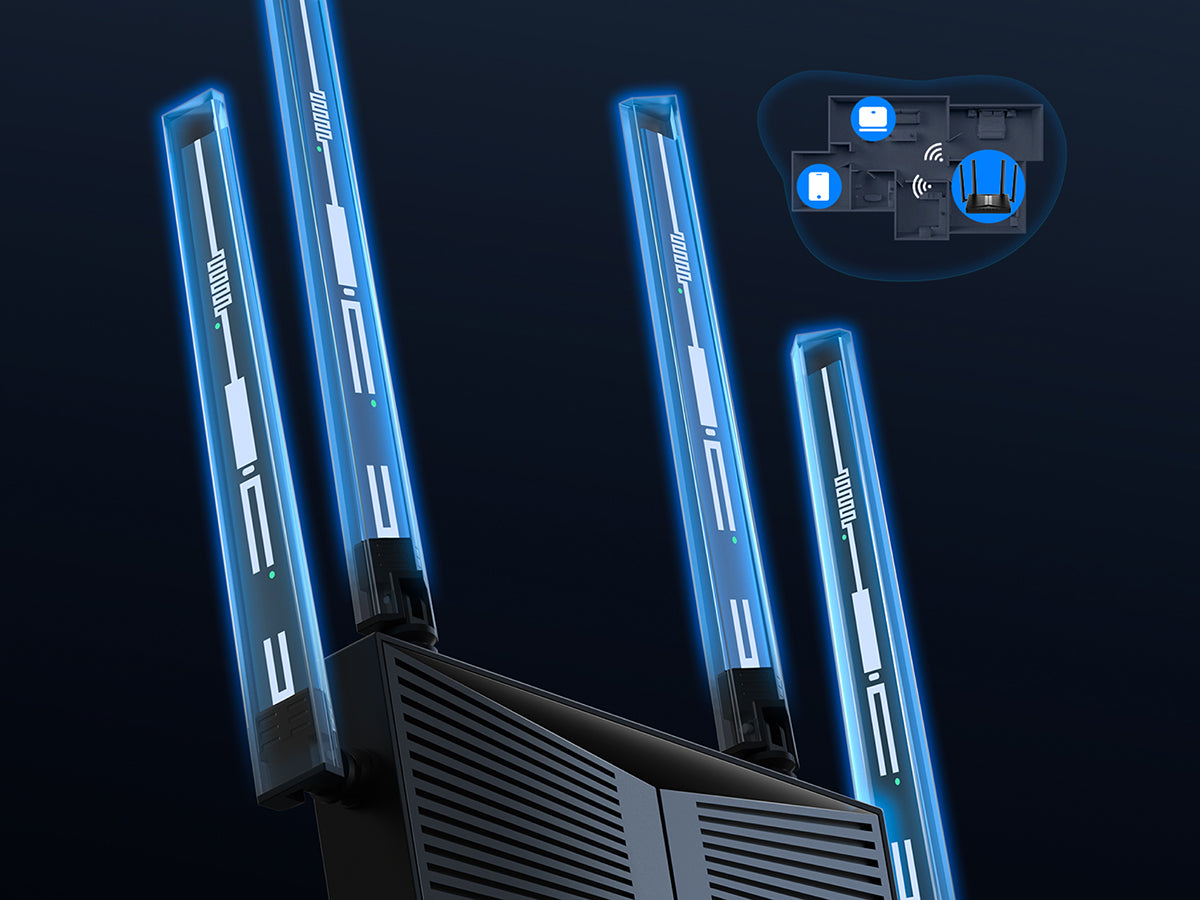
高功率天線搭配波束成形技術

信號更強,覆蓋更多一間房

高功率天線提供比上一代 Wi-Fi 6 更強一級的信號,並能感知終端設備方位定向增強信號,輕鬆覆蓋百平戶型,讓網路信號“比牆更強”。

高功率天線搭配波束成形技術

信號更強,覆蓋更多一間房

高功率天線提供比上一代 Wi-Fi 6 更強一級的信號,並能感知終端設備方位定向增強信號,輕鬆覆蓋百平戶型,讓網路信號“比牆更強”。

低延遲

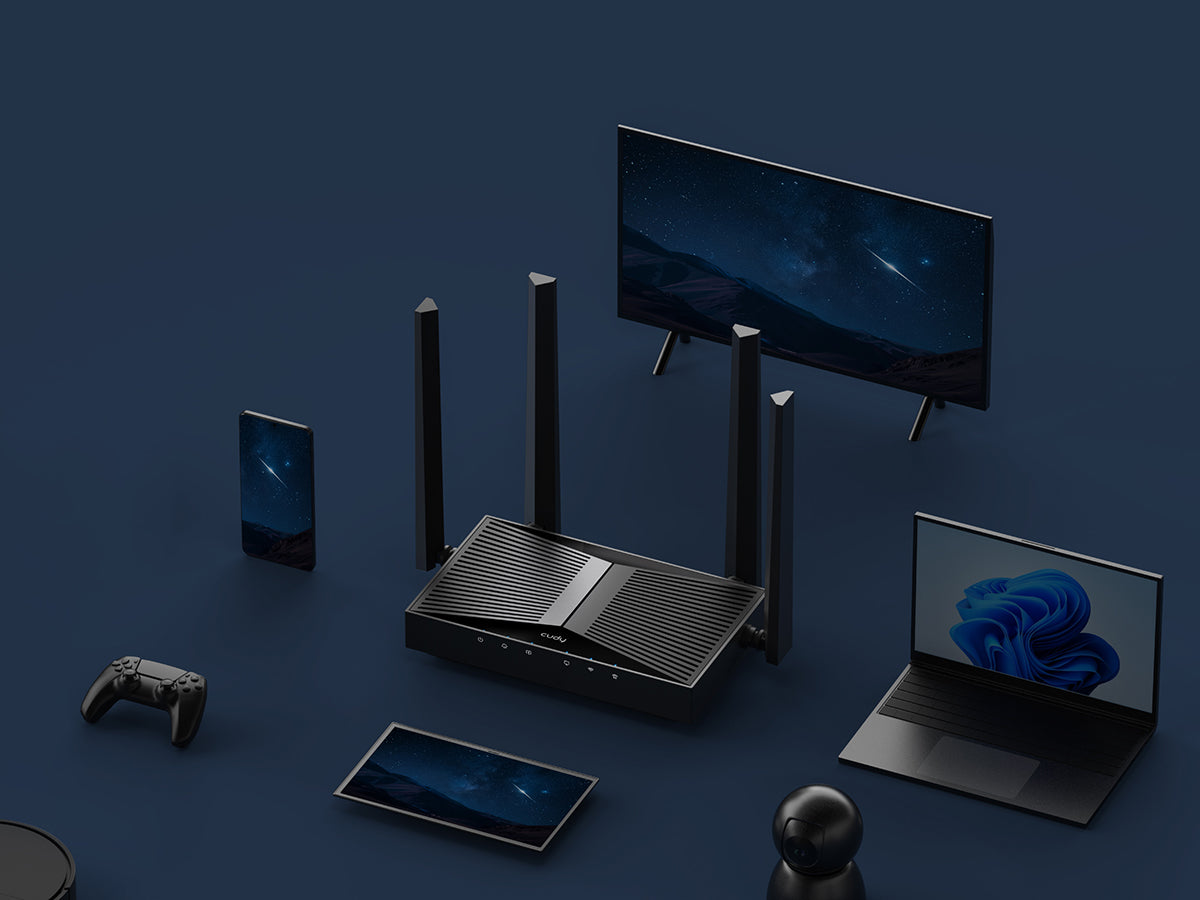
多連設備,資料齊發無需排隊

配備更智慧的頻譜複用技術,大幅提升抵禦干擾的能力,多設備同時上網時,無論直播或者遊戲都可享有更低延遲,操作更加得心應手。

低延遲

多連設備,資料齊發無需排隊

配備更智慧的頻譜複用技術,大幅提升抵禦干擾的能力,多設備同時上網時,無論直播或者遊戲都可享有更低延遲,操作更加得心應手。

配置方便,便捷管理

升級網路很簡單

跟你的網路運營商瞭解好寬頻賬密後,跟著內置交互步驟指引即能快速安裝好新網路。

家庭管理功能

支援創建使用者組並將指定設備加入其中,便捷設置上網時間,設置功能變數名稱黑白名單,保護兒童上網健康。

IPTV

支援將特定網口設置為IPTV口,將網路運營商的電視服務傳至電視。

支持IPv6和IPv4

支援新一代網路位址版本,性能更好,網路更安全。

略過產品資訊
1 / 10

BE3600 2.5G Wi-Fi 7 路由器

BE3600 2.5G Wi-Fi 7 路由器, WR3600H 1.0

WR3600H 1.0

一支雙頻 WiFi 7 路由器,總計 3.6 Gbps 速度、1 個 2.5G WAN 和 4 個千兆 LAN,滿足多千兆網路存取、遊戲和娛樂場景。 p>


  • 博通 2 GHz 四核處理器
  • 4 資料流程 雙頻Wi-Fi 7
  • 2882 Mbps + 688 Mbps 無線速率 1
  • 1× 2.5G口 + 4× 千兆口
  • 覆蓋可達 130 m² 2
  • 異地組網 伺服器和用戶端
  • Cudy App, 雲控制
查看完整資訊
硬體參數
軟體參數
型號版本
型號版本 WR3600H 1.0
CPU
CPU CPU Details 2.0 GHz Quad-Core, ARM Cortex-A7
Memory/Storage
Memory/Storage Flash/ROM 128 MB (1 Gbit) NAND
DDR/RAM 512 MB (4 Gbit) DDR3L
Wireless
Wireless 5 GHz Wi-Fi Speed 2882 Mbps
2.4 GHz Wi-Fi Speed 688 Mbps
5 GHz Wi-Fi Streams 2T2R (2×2 MIMO)
2.4 GHz Wi-Fi Streams 2T2R (2×2 MIMO)
Wi-Fi Antennas 4× Fixed
FEM or PA/LNA
  • 5 GHz: 2× External
  • 2.4 GHz: 2× Internal
Beamforming True
Range Performance Max: 220 m (722 ft)
Tested in open-space environments with minimal interference. Actual WiFi range may vary depending on layout and wall materials. Refer to the Wall Performance specifications for placement suggestions.
Wall Performance Two wooden walls with thickness < 10 cm (4'')
One concrete wall with thickness < 20 cm (7'') or two concrete walls with thickness < 10 cm (4'')
Interfaces
Interfaces 2.5G RJ45 Ports 1
Gigabit RJ45 Ports 4
Ethernet Notes The 2.5G port is WAN port, the Gigabit ports are LAN ports
LED
  • Power
  • Internet
  • WAN
  • LAN
  • 2.4 GHz Wi-Fi
  • 5 GHz Wi-Fi
Physical Buttons
  • WPS Button
  • Reset Button
Power Input DC Jack
Power
Power Power Methods DC
DC Input 12V 1A
Power Adapter Input: 100 ~ 240 V, 50/60 Hz AC
Output: 12V 1A DC
Max Power Consumption (W) 10W
Reliability
Reliability Environment
  • Operating Temperature: 0 ℃ ~ 40 ℃ (32 ℉ ~104 ℉)
  • Storage Temperature: -40 ℃ ~ 70 ℃ (-40 ℉ ~ 158 ℉)
  • Humidity: 10% ~ 90% non-condensing
  • Storage Humidity: 5% ~ 95% non-condensing
Certifications
Certifications FCC, CE
Mechanical
Mechanical Installation
  • Desktop
  • Wall-mount
Dimension Device:
183.3×109×38 mm
7.22×4.29×1.5 inches
Each Antenna:
175 mm
6.89 inches
Product Weight 332.0 g (11.71 oz.)
Package Content
Package Content
  • WR3600H
  • Power Adapter
  • Ethernet Cable
  • Installation Guide
Ordering Information
Ordering Information Retail Package Weight EU: 762.0 g (26.88 oz.)
Retail Package Dimension 330×256×60 mm
12.99×10.08×2.36 inches
Units per Carton 10
Carton Dimension 52.8×31.7×34.7 cm
20.79×12.48×13.66 inches
Carton Gross Weight EU: 8.5 kg (18.74 lbs)
Carton Net Weight EU: 7.6 kg (16.76 lbs)
型號版本
型號版本 WR3600H 1.0
Wireless
Wireless Wi-Fi Standards Wi-Fi 7
Max Wi-Fi Modulation 4K-QAM
Wi-Fi Efficiency
  • MLO
  • MRU
  • Puncturing
  • OFDMA
  • MU-MIMO
  • BSS Color
Max Capacity 512
Recommended Client Upper Limit 200
Max Wi-Fi Channel Width 160 MHz
Wi-Fi Security WPA/WPA2/WPA3
Guest Network 2.4 GHz, 5 GHz
WPS True
General
General Operation Modes
  • Wi-Fi Router
  • Access Point
  • Range Extender
Mesh Cudy Mesh
Mesh Backhaul
  • Wireless Backhaul
  • Wired Backhaul
Multi-Band Backhaul True
WAN Mode
  • DHCP
  • Static IP
  • PPPOE
  • PPTP
  • L2TP
Notes Cudy Mesh and related backhaul features will be available with later firmware upgrade.
Network
Network QoS Per-User Rate Limiting
DHCP
  • Address Reservation
  • DHCP Client List
  • Server
IP Versions IPv4/IPv6
IPv6 Protocols
  • Relay
  • Dynamic (SLAAC/DHCPv6)
  • Static (Fixed IP)
  • Passthrough
  • 464XLAT
  • MAP-E
  • DS-Lite
IPTV/VLAN
  • Bridge
  • Tag VLAN
  • VoIP VLAN
  • IPTV VLAN
TTL Customization
  • Extend
  • Spoof
  • Custom
IGMP
  • IGMP Proxy
  • IGMP Snooping
Forwarding
  • Port Forwarding
  • Port Triggering
  • UPnP
  • DMZ
Firewall
  • SPI Firewall
  • DoS Protection
  • Block PING
Application Layer Gateway
  • IPSec Passthrough
  • L2TP Passthrough
  • PPTP Passthrough
  • FTP Passthrough
  • TFTP Passthrough
  • H323 Passthrough
  • SIP Passthrough
  • RTSP Passthrough
Utilities
Utilities VPN Server
  • WireGuard
  • OpenVPN
  • IPsec
  • Zerotier
  • PPTP
  • L2TP
VPN Client
  • WireGuard
  • OpenVPN
  • IPsec
  • Zerotier
  • PPTP
  • L2TP
VPN Performance
  • OpenVPN Client (UL/DL): 66 / 66 Mbps
  • OpenVPN Server (UL/DL): 65 / 64 Mbps
  • WireGuard Client (UL/DL): 150 / 223 Mbps
  • WireGuard Server (UL/DL): 251 / 177 Mbps
DNS Options
  • DNS over TLS
  • Manual DNS
  • Rebind Protection
  • Override Clients' DNS
DNS over TLS Providers
  • Cloudflare
  • Google
  • Quad9
  • Custom
Wake on LAN True
Online Detection True
Management
Management Parental Controls
  • Profiles Settings
  • Offline Time
  • Online Time
  • Pause the Internet
  • Web Filter
All Devices Management
  • Wi-Fi Time Schedule
  • MAC Filter
  • IP/MAC Binding
Per-Devices Management
  • Internet On/Off
  • VPN On/Off
  • Online Time Schedule
  • Device Rename
Content Management
  • Domain Filter
  • IP Filter
System
System LED Control True
Local Control Method
  • Config Web Page
  • App Control
Remote Control Method
  • Config Page via HTTPS
  • App Control
  • TR069/TR098/TR111/TR143/TR181
Firmware Upgrade
  • Local Update
  • App (Over the Air)
  • Online Update
Reliability
  • Timed Reboot
  • Backup and Restore
Diagnostic Tools
  • Diagnosis
  • Ping
  • Traceroute
  • NSLookup
  • System Log
Languages
  • English
  • Bengali
  • Catalan
  • Czech
  • German
  • Greek
  • Spanish
  • French
  • Hebrew
  • Croatian
  • Hungarian
  • Italian
  • Japanese
  • Khmer
  • Korean
  • Dutch
  • Norwegian
  • Polish
  • Portuguese
  • Romanian
  • Russian
  • Slovak
  • Swedish
  • Thai
  • Turkish
  • Ukrainian
  • Vietnamese
  • Simplified Chinese
  • Traditional Chinese
Dashboard
Dashboard Panel
  • Internet Status
  • Mesh Status
  • Devices Management
  • WAN Status
  • LAN Status
  • Wi-Fi Status
  • VPN Status
  • DHCP Server Status
  • System Version
Charts
  • Internet Speed
  • Wi-Fi Speed
  • Mesh Topology

  1. 實際無線資料輸送量會因網路條件, 用戶端限制和環境因素(包括建築佈局, 障礙物和用戶端位置)而有所不同。
  2. 無線覆蓋範圍聲明僅供參考。覆蓋性能會因環境因素(包括建築佈局, 障礙物, 交通量和密度以及設備位置)而有所不同。為了獲得最佳覆蓋範圍,請將設備放置在需要 Wi-Fi 的區域的中心位置。