
1. הורד את הקושחה העדכנית ביותר מ-מרכז ההורדות.
2. פתחו את הקובץ שהורדתם
3. הפעל את מכשיר ה-Cudy, המתן עד שנורת ה-LED תידלק באופן קבוע.
4. התחברו לרשת של Cudy באמצעות WiFi או Ethernet.
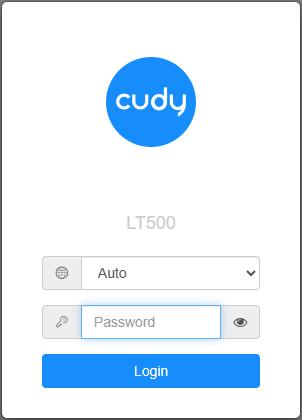
5. פתח דפדפן אינטרנט ועבור אלhttp://cudy.netאוֹhttp://192.168.10.1.
לפרטים, אנא עיינו באיך להתחבר לממשק האינטרנט של הנתב Cudy?
6. שדרג את הקושחה.
א.הגדרות מתקדמות -> קושחה, בחר את הקושחה שפרצת כדי להעלות.
ב.הגדרות כלליות->קושחההדף יכול לבצע שדרוג מקוון ועדכון מקומי.
פֶּתֶקתמיכה רק ב-Firmware 2.x.x ומעלה.
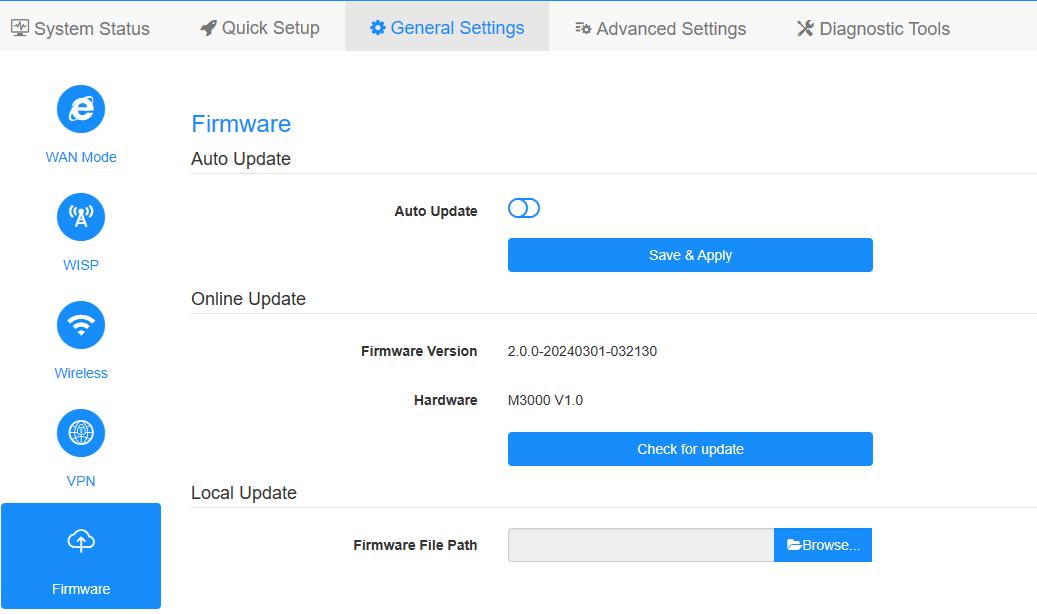
7. המתנה של 5 דקות להפעלה מחדש של הנתב.
189 תגובות
@Уважаемый Владимир!
Вы можете попробовать восстановить роутер, следуя инструкции на сайте, указанном ниже.
https://www.cudy.com/blogs/faq/how-to-recovery-the-cudy-router-from-openwrt-firmware-to-cudy-official-firmware
“Спасибо роутер превратился в кирпич”
Спасибо роутер превратился в кирпич
@Dear Carlos,
I sent it again. Please check.
“Thanks for the answer I haven’t receive the wr6500 v1 firmware can you double check?”
Thanks for the answer I haven’t receive the wr6500 v1 firmware can you double check?
@Dear Carlos,
I suggest you can update the firmware of both routers. We have released new firmware for WR11000. You can update it online. Our technical support has sent you the firmware for WR6500 via email. Please check.
“I have an wr11000 and a wr6500 in mesh mode the Internet is always intermitent video call via teams are always intermitent, but the speed is ok, what could be?”