
1. הורד את הקושחה העדכנית ביותר מ-מרכז ההורדות.
2. פתחו את הקובץ שהורדתם
3. הפעל את מכשיר ה-Cudy, המתן עד שנורת ה-LED תידלק באופן קבוע.
4. התחברו לרשת של Cudy באמצעות WiFi או Ethernet.
5. פתח דפדפן אינטרנט ועבור אלhttp://cudy.netאוֹhttp://192.168.10.1.
לפרטים, אנא עיינו באיך להתחבר לממשק האינטרנט של הנתב Cudy?
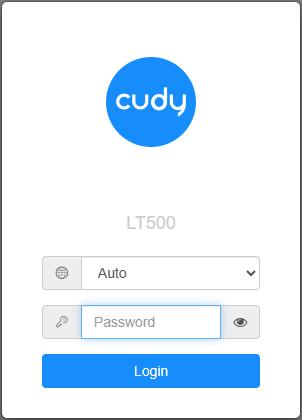
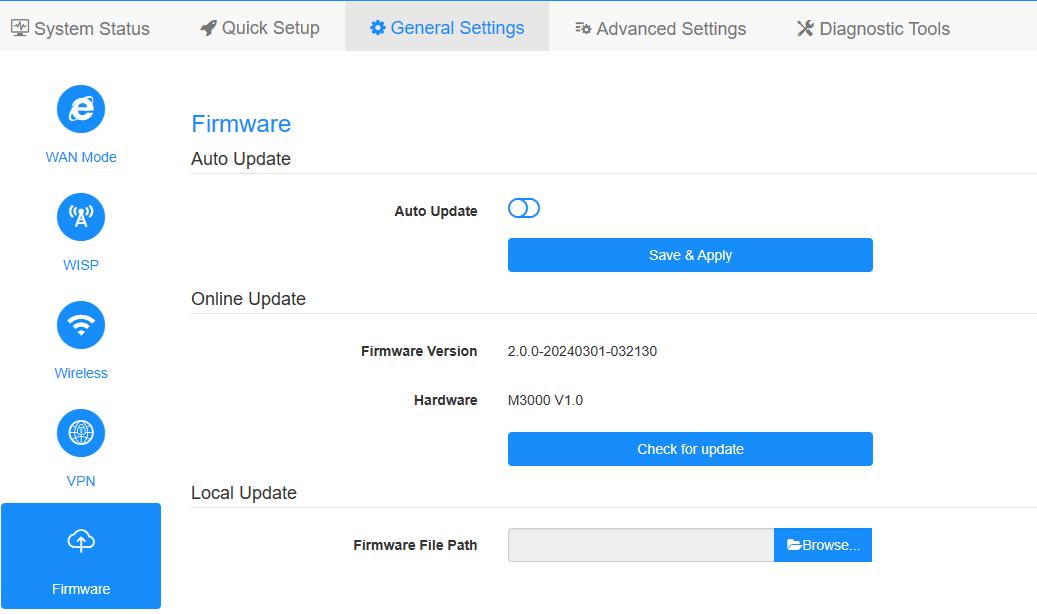
6. שדרג את הקושחה.
א.הגדרות מתקדמות -> קושחה, בחר את הקושחה שפרצת כדי להעלות.
ב.הגדרות כלליות->קושחההדף יכול לבצע שדרוג מקוון ועדכון מקומי.
פֶּתֶקתמיכה רק ב-Firmware 2.x.x ומעלה.
7. המתנה של 5 דקות להפעלה מחדש של הנתב.
189 תגובות
@ANONYMOUS
Technical support has sent you the firmware to your email. Please check.
“I have a WR2100, but its not listed in the download center anymore. By trying to adjust the url I got to its support page, but there is no firmware there to download, what kind of service is that??”
I have a WR2100, but its not listed in the download center anymore. By trying to adjust the url I got to its support page, but there is no firmware there to download, what kind of service is that??
@GIANLUIGI BOSCHETTO,
Trova il “Firmware” in “Impostazioni avanzate”.
============
Sono proprietario di un LT400 2.0 ma in “General Settings” non esiste la voce Firmaware.
Sono proprietario di un LT400 2.0 ma in “General Settings” non esiste la voce Firmaware.