
1. הורד את הקושחה העדכנית ביותר מ-מרכז ההורדות.
2. פתחו את הקובץ שהורדתם
3. הפעל את מכשיר ה-Cudy, המתן עד שנורת ה-LED תידלק באופן קבוע.
4. התחברו לרשת של Cudy באמצעות WiFi או Ethernet.
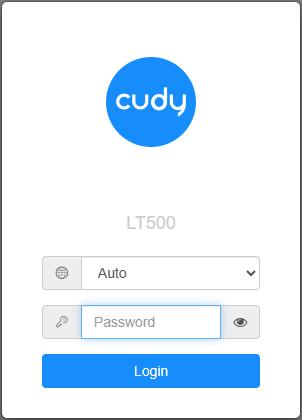
5. פתח דפדפן אינטרנט ועבור אלhttp://cudy.netאוֹhttp://192.168.10.1.
לפרטים, אנא עיינו באיך להתחבר לממשק האינטרנט של הנתב Cudy?
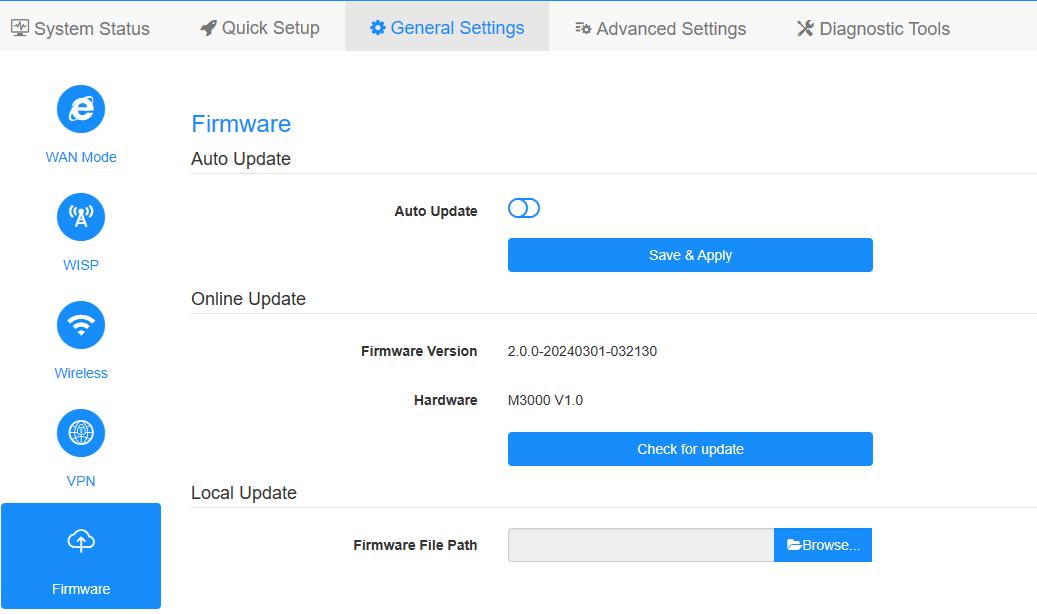
6. שדרג את הקושחה.
א.הגדרות מתקדמות -> קושחה, בחר את הקושחה שפרצת כדי להעלות.
ב.הגדרות כלליות->קושחההדף יכול לבצע שדרוג מקוון ועדכון מקומי.
פֶּתֶקתמיכה רק ב-Firmware 2.x.x ומעלה.
7. המתנה של 5 דקות להפעלה מחדש של הנתב.
189 תגובות
Здравствуйте.когда будет прошивка 2.5.0 для wr1200 ver.2.1?
@Dear Luci,
Sorry, we don’t have new firmware for MF4 currently.
“Could you provide with a firmware for the MF4 2.0???”
Could you provide with a firmware for the MF4 2.0???
Dear Cudy Support Team,
Could you please provide a beta firmware version for the Cudy WR6500H with WISP mode/function enabled?
Thank you.
Best regards,
Moises Weltman
@Dear Gerd,
Our technical support has sent you the firmware via email. Please check.
“Dear technical support,
I have the Cudy LT400 EU V1.0.
On your download section, there is no firmware download file for that hardware version.
Could you please send me a recent firmware version for the
LT400 EU V1.0?
I would be very grateful for your help.
Kind regards,
Gerd”