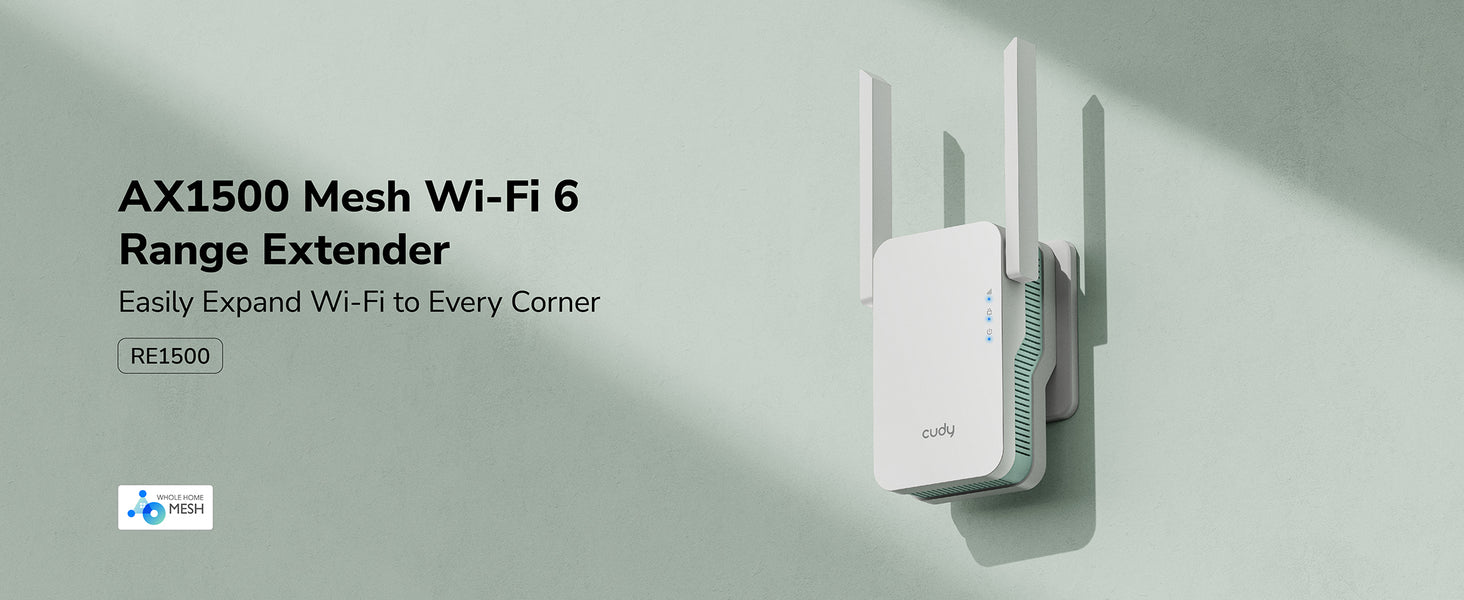
Create a new Wi-Fi hotspot using a wired connection for stable and high-speed internet.
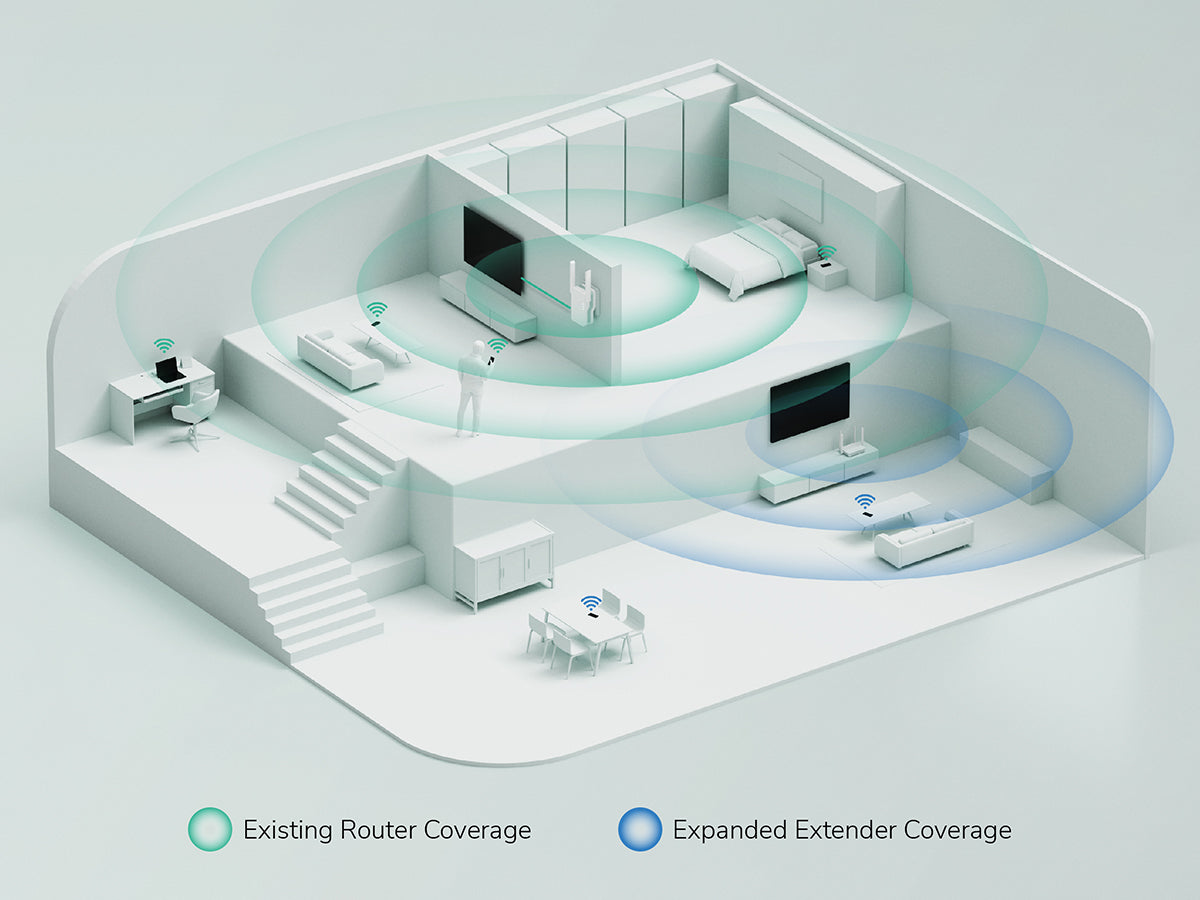
Range Extender Mode
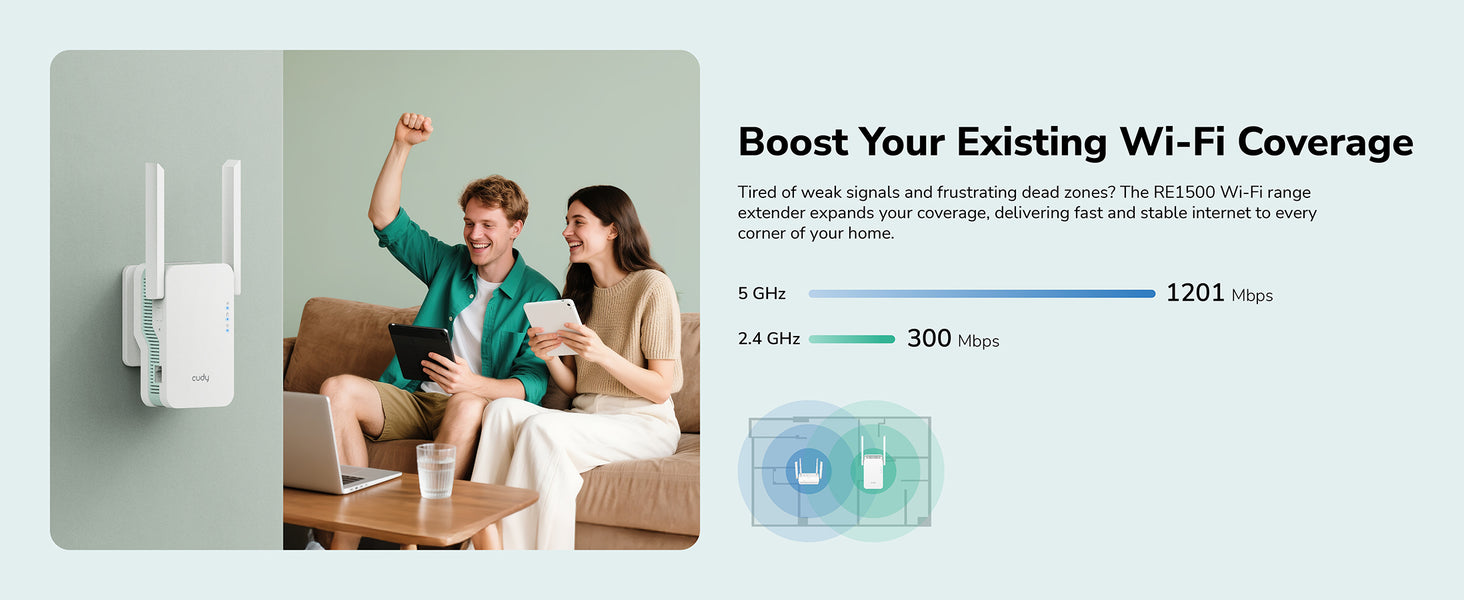
Extend your existing Wi-Fi signal for wider coverage.
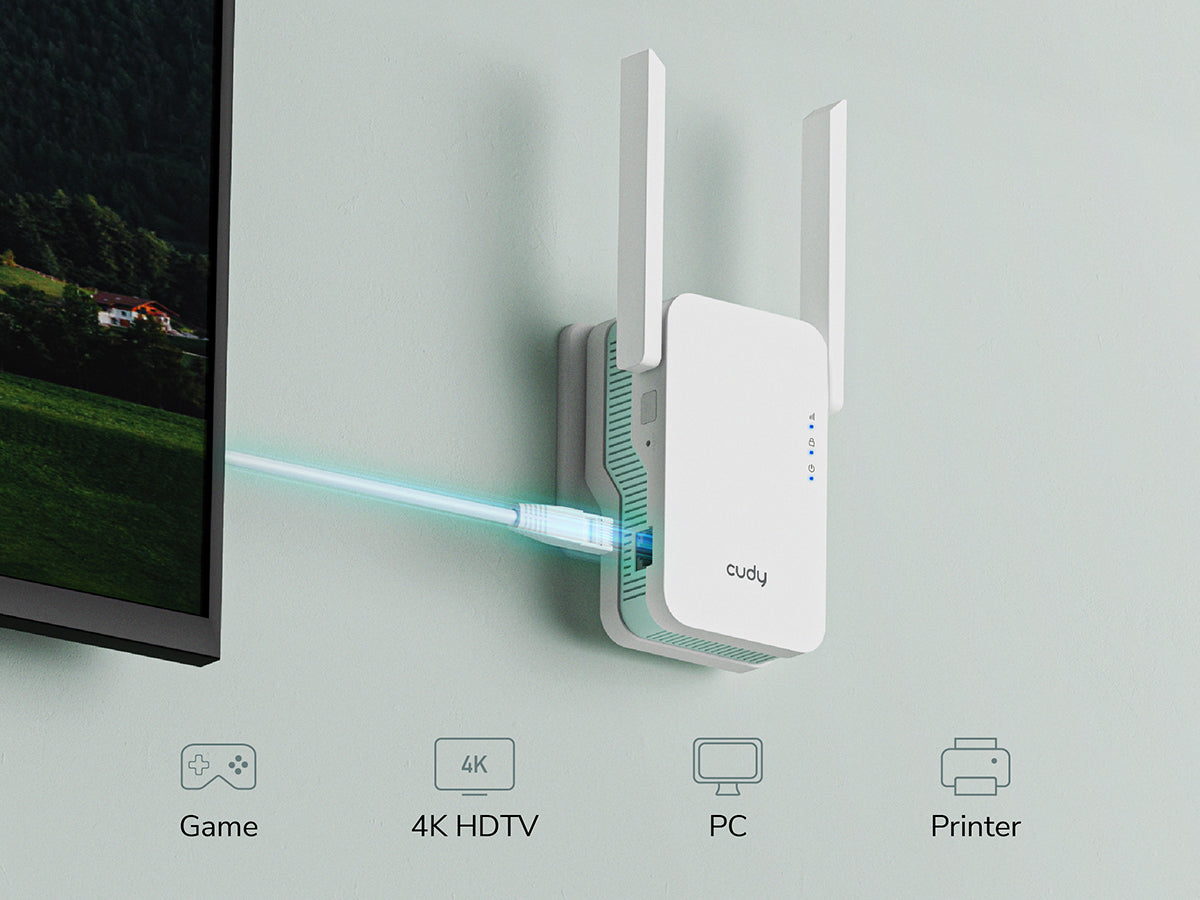
Not Just Wi-Fi, Enjoy Stable Wired Connections Too
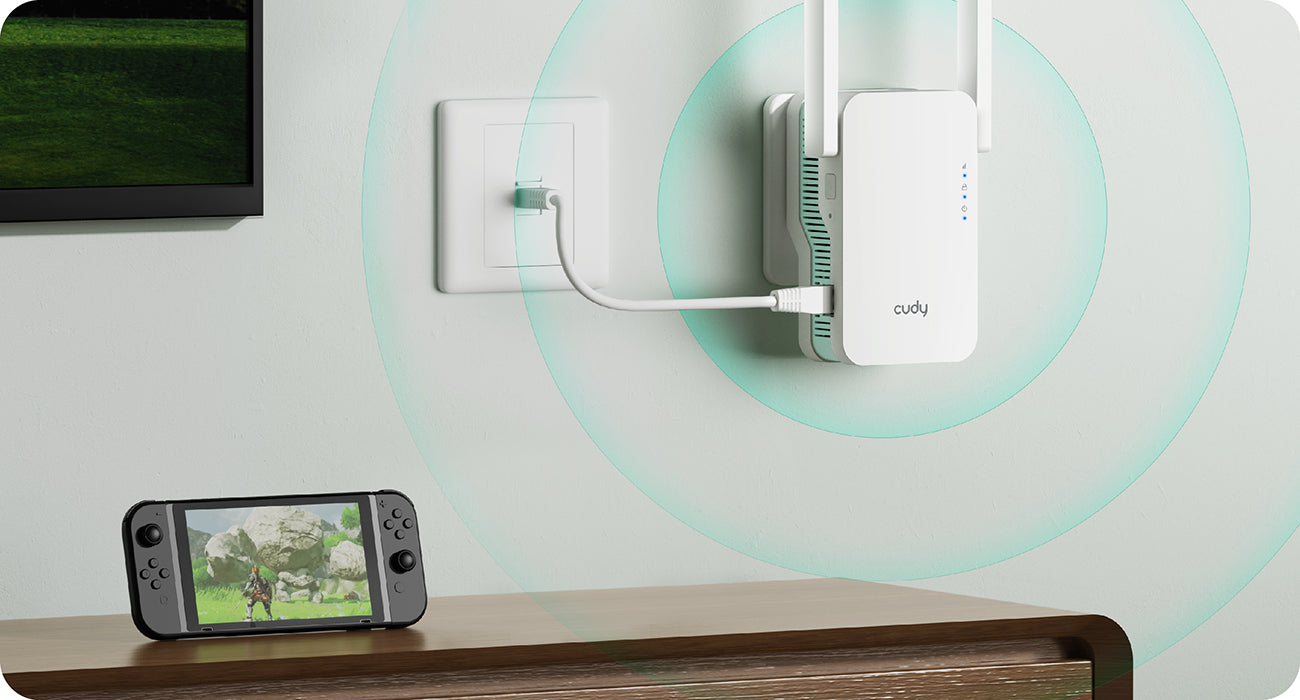
In addition to extending Wi-Fi coverage, the high-speed Ethernet port provides a stable and reliable connection for your wired devices like smart TVs, PCs, and game consoles.
Not Just Wi-Fi, Enjoy Stable Wired Connections Too
In addition to extending Wi-Fi coverage, the high-speed Ethernet port provides a stable and reliable connection for your wired devices like smart TVs, PCs, and game consoles.
Seamless Roaming with Cudy Mesh
RE1500 supports Cudy Mesh to enable seamless roaming for the whole home with other Cudy Mesh devices, allowing you to move freely between rooms without the need for manual network switching.
Seamless Roaming with Cudy Mesh
RE1500 supports Cudy Mesh to enable seamless roaming for the whole home with other Cudy Mesh devices, allowing you to move freely between rooms without the need for manual network switching.
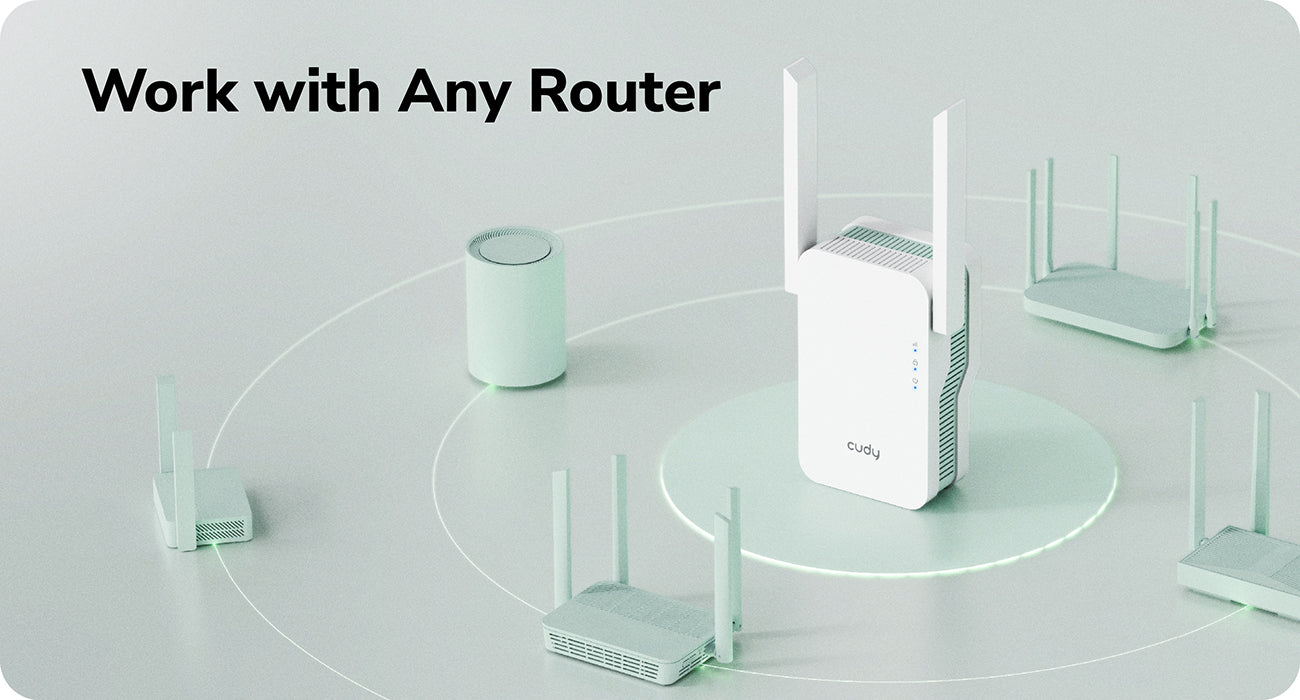
Work with Any Router
Universally compatible with all routers, ensuring hassle-free expansion of your network.
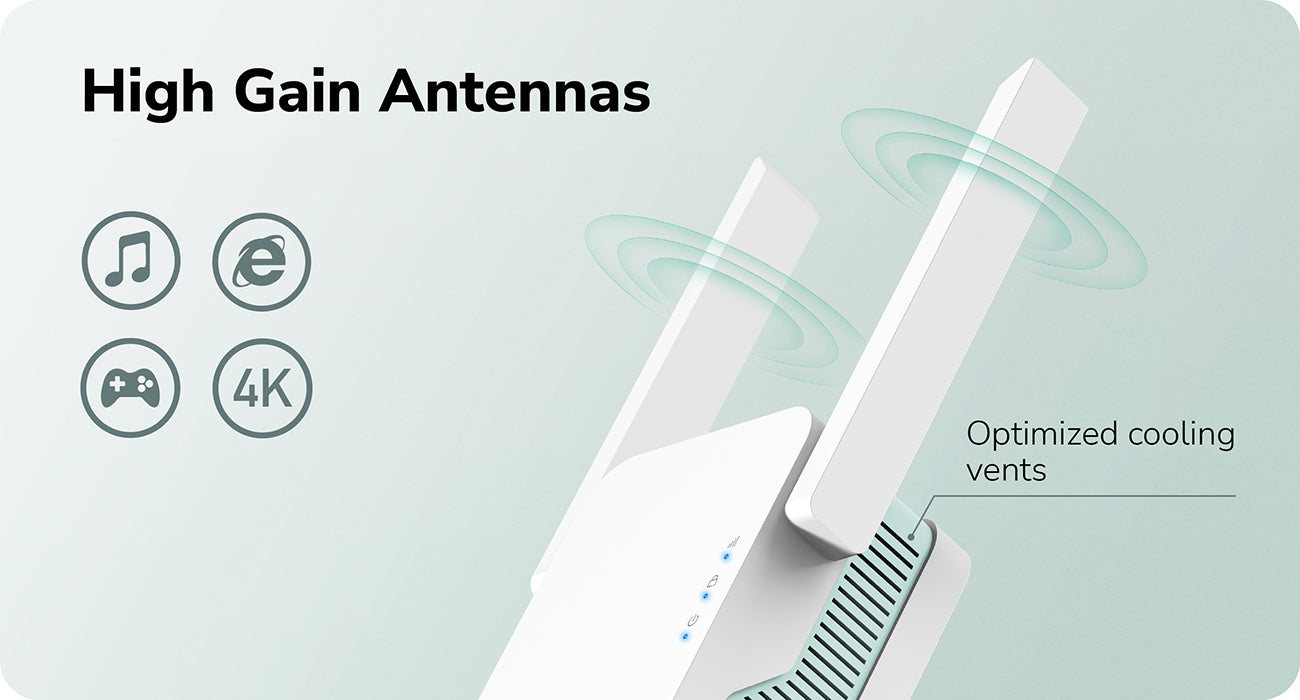
High Gain Antennas
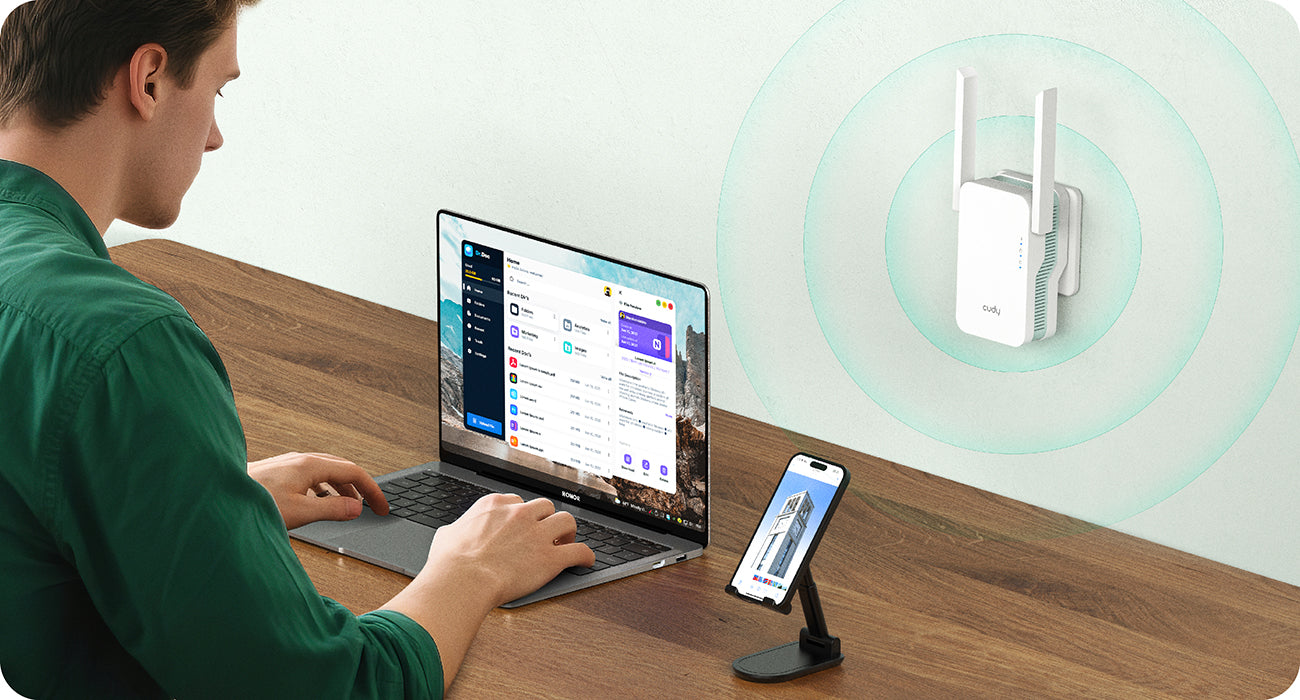
Equipped with powerful antennas to enhance signal strength and stability for smoother streaming and gaming.
แอพคิวดี้
Manage your network from your phone. This model supports cloud remote control and local control via the Cudy App.
Edit: Right click the content you want to edit and click "Inspect" to edit it.
Print/Save: Right click in the browser and click "Print", save it as PDF or print it directly. Check print settings below if it's your first-time printing.
Print Settings:
Check the option "Background graphics" to enable gray background.
Uncheck the option "Headers and footers" to remove page information.
Cut:
Refer to the gray border line to cut out the finished InfoCard.
It's recommended to use third-party tools to merge the files before printing to save paper when printing multiple InfoCards.