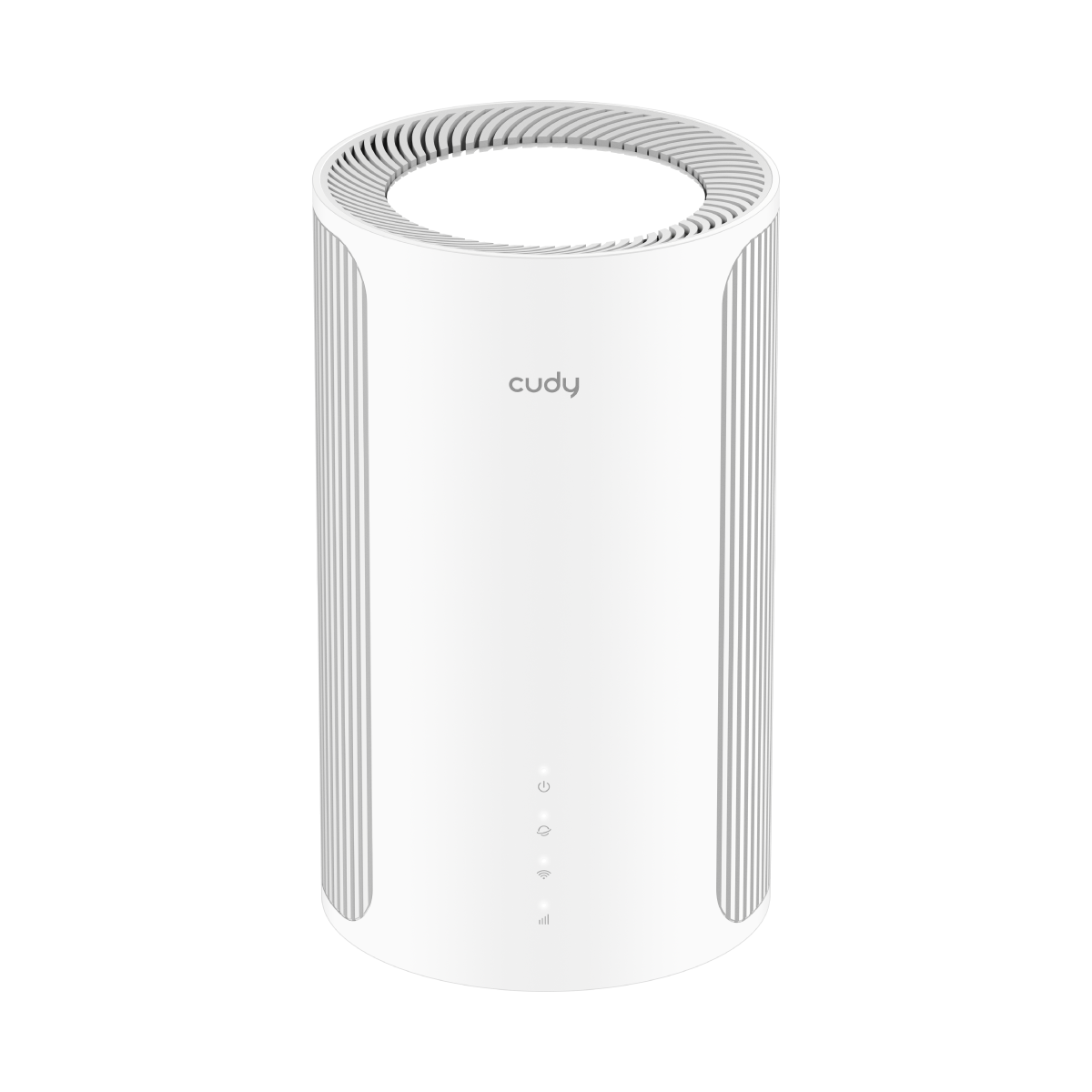
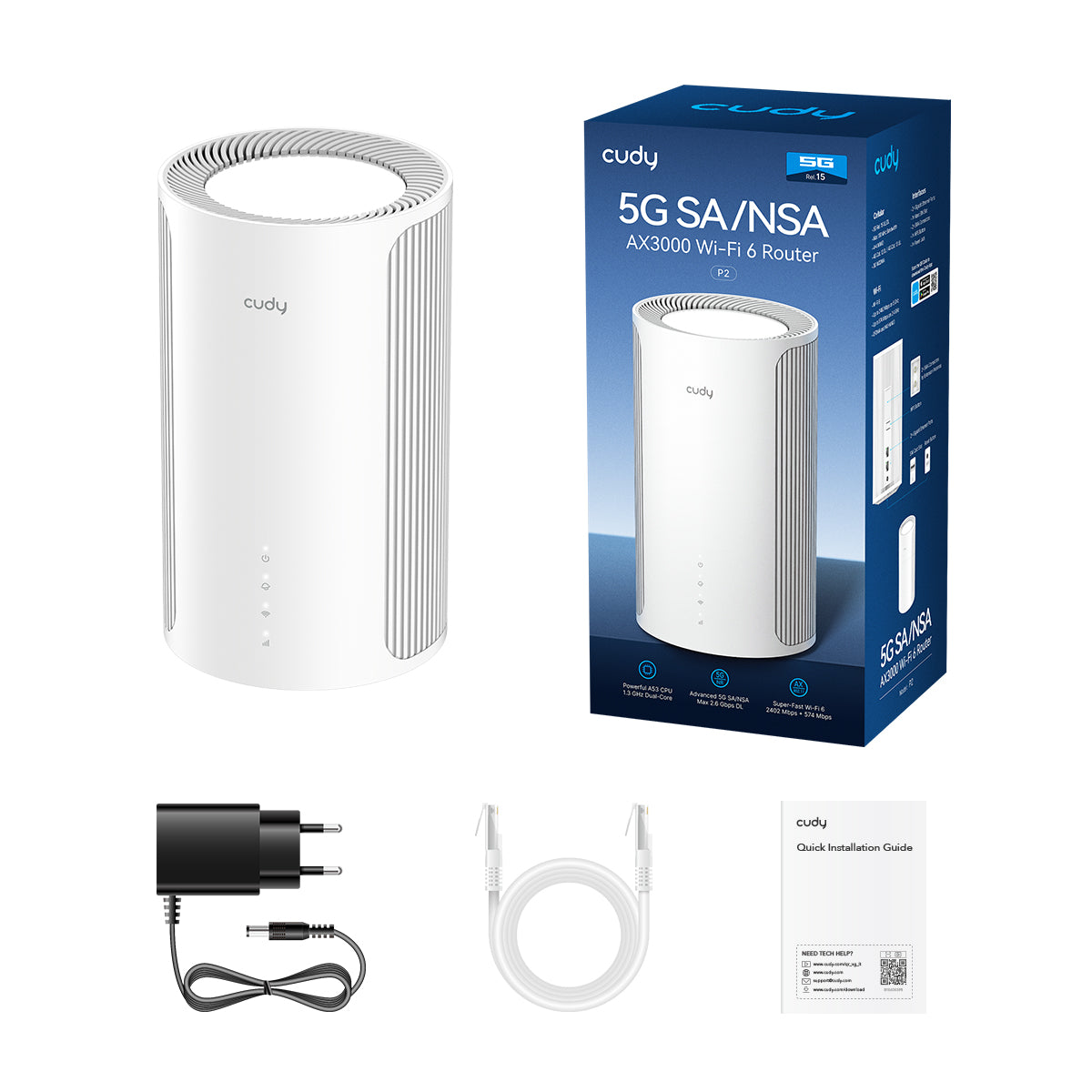
Unlock the lightning 5G connectivity that rivals a broadband connection. P2 provides download speed up to 2.6 Gbps with universal compatibility with major carriers plan.
Cellular
Lightning-Fast 5G. Max 2.6 Gbps Download.
Unlock the lightning 5G connectivity that rivals a broadband connection. P2 provides download speed up to 2.6 Gbps with universal compatibility with major carriers plan.
Wi-Fi
150% Faster Wi-Fi Speed
The high-capacity AX3000 Wi-Fi 6 built with powerful 1.3 GHz dual-core CPU provides super-fast connection for every devices. Stream 4K live feed and download at full speed with ease.
Wi-Fi
150% Faster Wi-Fi Speed
The high-capacity AX3000 Wi-Fi 6 built with powerful 1.3 GHz dual-core CPU provides super-fast connection for every devices. Stream 4K live feed and download at full speed with ease.
เสียบซิมการ์ดเพื่อเพลิดเพลินกับเครือข่าย

บ้าน

Plug and play easy-to-install WiFi for every home—no rigid broadband subscription.
รถยนต์
Provide decent networks for all devices on your road journey.
การเฝ้าระวัง
Make sure the network is always on with the backup function.
บูธ
Utilize the flexible pay-as-you-go SIM card plan to equip your temporary booth with a fast network. (SIM card is not included)
Extensive Connectivity
Connect and Boost with Ease
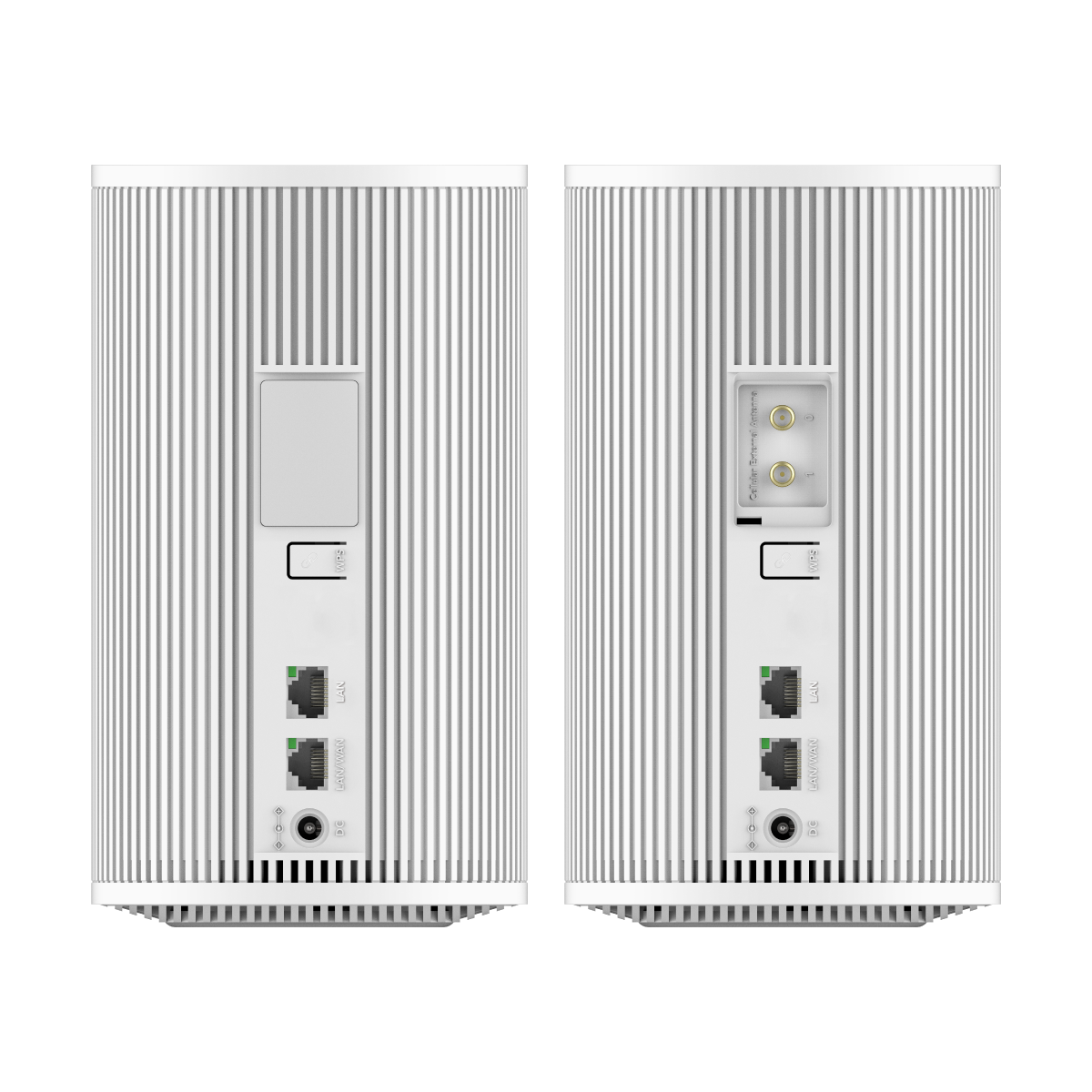
Two Gigabit Ethernet ports provide stable wired network sharing. Two SMA connectors allow you to install customized extension cellular antennas.
Extensive Connectivity
Connect and Boost with Ease
Two Gigabit Ethernet ports provide stable wired network sharing. Two SMA connectors allow you to install customized extension cellular antennas.
Tools for a Customized Network
Secure VPN Access
In addition to the management via Cudy cloud, this router supports multiple VPN protocols to enable remote Work-From-X, or sharing a commercial VPN for all.
Keep You Connected
Set the WAN/LAN port as WAN mode, connect your network to broadband service, then back it up with a WISP and a 5G connection.
แอพคิวดี้
Manage your network from your phone. This model supports cloud remote control and local control via the Cudy App.
Edit: Right click the content you want to edit and click "Inspect" to edit it.
Print/Save: Right click in the browser and click "Print", save it as PDF or print it directly. Check print settings below if it's your first-time printing.
Print Settings:
Check the option "Background graphics" to enable gray background.
Uncheck the option "Headers and footers" to remove page information.
Cut:
Refer to the gray border line to cut out the finished InfoCard.
It's recommended to use third-party tools to merge the files before printing to save paper when printing multiple InfoCards.
Actual cellular speeds will vary depending on carrier conditions and environmental factors such as cellular base station location/distance, nearby clients density, building layout, and physical obstacles.