
1. Téléchargez le dernier firmware depuisCentre de téléchargement.
2. Décompressez le fichier que vous téléchargez
3. Allumez l'appareil Cudy, attendez que le voyant LED devienne fixe.
4. Connectez-vous au réseau de Cudy via WiFi ou Ethernet.
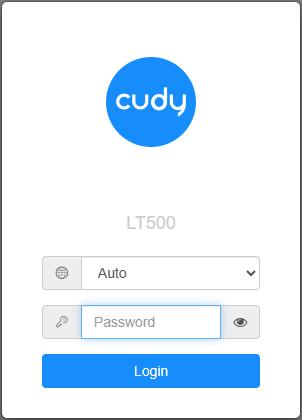
5. Ouvrez un navigateur Web et accédez àhttp://cudy.netouhttp://192.168.10.1.
Pour plus de détails, veuillez vous référer àComment se connecter à l'interface Web de Cudy Router ?
6. Mettez à niveau le micrologiciel.
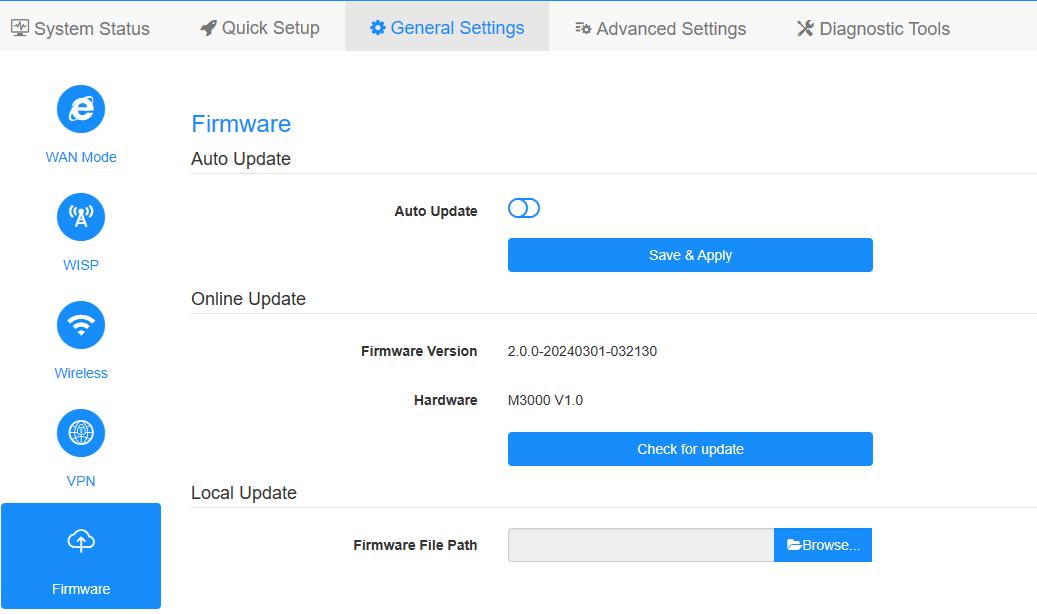
un.Paramètres avancés -> MicrologicielChoisissez le firmware que vous avez décompressé pour le télécharger.
b.Paramètres généraux->Micrologiciella page peut effectuer une mise à niveau en ligne et une mise à jour locale.
Note: Seul le firmware 2.x.x ou supérieur est pris en charge.
7. Attendez 5 minutes pour que le routeur redémarre.
190 commentaires
@Dear Yasir,
I just tested it here in my office. I can’t reproduce this problem. Please try following methods:
1. Reset the router to factory default, then, reinstall it again.
2. Try to change the cable that connect to the WAN port of the router.
3. Try to update back to previous firmware version.
Check if the problem fixed?
“Hi there
Today I purchased a WR1300 router. I could ready 180MB on the 5ghz WiFi .
Afterwards I updated the router to firmware 2.4.4 and I see my WAN port is now max 100MB and I cannot get more than 90MB speeds. Please advise on how to fix this."
Hi there
Today I purchased a WR1300 router. I could ready 180MB on the 5ghz WiFi .
Afterwards I updated the router to firmware 2.4.4 and I see my WAN port is now max 100MB and I cannot get more than 90MB speeds. Please advise on how to fix this.
Как сменить серийный номер GPON?
Когда вы решите проблему с обновлением прошивки роутера WR1500? Его невозможно обновить. Как можно вообще такое допускать? Отвратительный продукт и сервис.
@Luka,
I suggest you to contact the seller to request a replacement.
“I’ve done both things to no avail. Anything else?”