
1. Laadige uusim püsivara alla Download Center.
2. Laadige alla laaditud fail lahti
3. Lülitage Cudy seade sisse, oodake, kuni LED muutub heledaks.
4. Ühendage Cudy võrku WiFi või Etherneti kaudu.
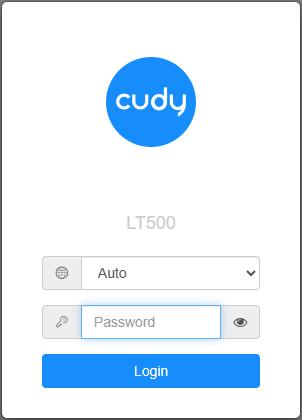
5. Avage veebilehitseja ja minge aadressile http://cudy.net või http://192.168.10.1.
Detailide saamiseks vaadake Kuidas Cudy Routeri veebiliidesesse sisse logida?
6. Uuendage püsivara.
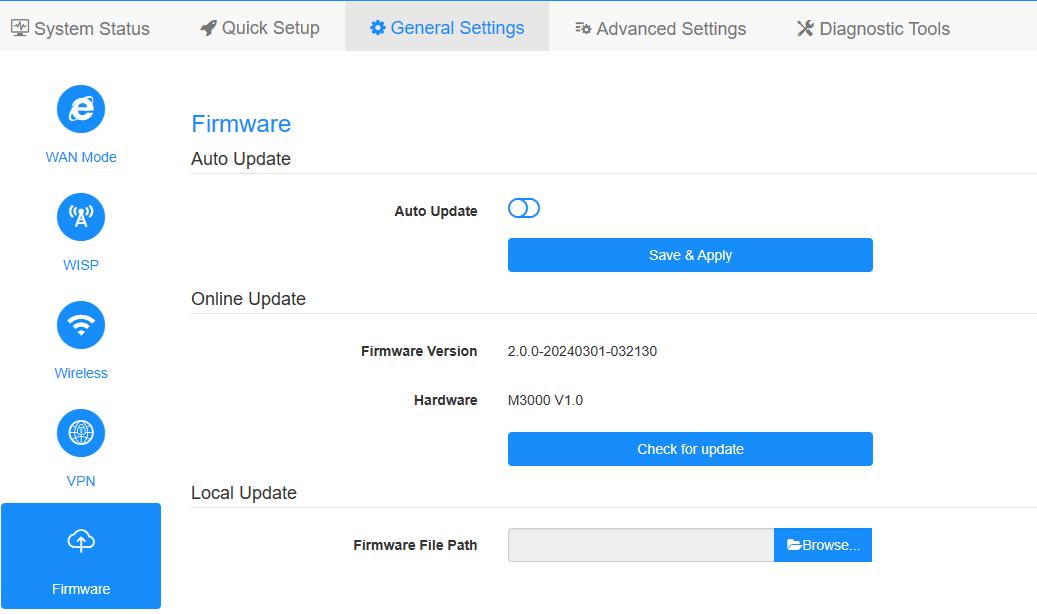
a. Suurendatud seaded -> Firmware, valige üleslaadimiseks lahti pakitud firmware.
b. Üldised seaded->Firmware lehel saab teha veebipõhist uuendamist ja kohalikku uuendamist.
Märkus: Ainult Firmware 2.x.x või uuemate versioonide tugi.
7. Oodake 5 minutit ruuteri taaskäivitamiseks.
189 kommentaari
Hi, I have the LT400 EU1.0, can you send me an update, the ones on the website give me an error. Thanks
I have M3000 cudy with Firmware Version 1.16.6-20231109-011004.
i try upgrading to M3000 new FW from the support website and i get an error “file is invalid, please retry”
trying few times, get the same. can anyone help? thanks.
Hello, I can not upgrade my LT400 eu v1.0 14.26-20220802 with the binaries from the web. Md5 error.
Could you send me the latest versions?
Thanks in advance
@Marco
Il nostro supporto tecnico ti ha risposto via e-mail.
“non appena provo ad aggiornare il mio wr300 mi da errore. come mai?”
@Jorge
The firmware has sent to via email. Please check.
“Hola tengo el LT400 EU1.0, me podéis mandar actualización, las de la web me dan error. Gracias”