
1. Laadige uusim püsivara alla Download Center.
2. Laadige alla laaditud fail lahti
3. Lülitage Cudy seade sisse, oodake, kuni LED muutub heledaks.
4. Ühendage Cudy võrku WiFi või Etherneti kaudu.
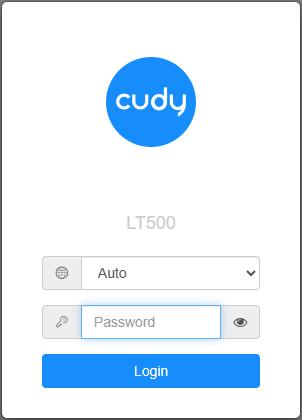
5. Avage veebilehitseja ja minge aadressile http://cudy.net või http://192.168.10.1.
Detailide saamiseks vaadake Kuidas Cudy Routeri veebiliidesesse sisse logida?
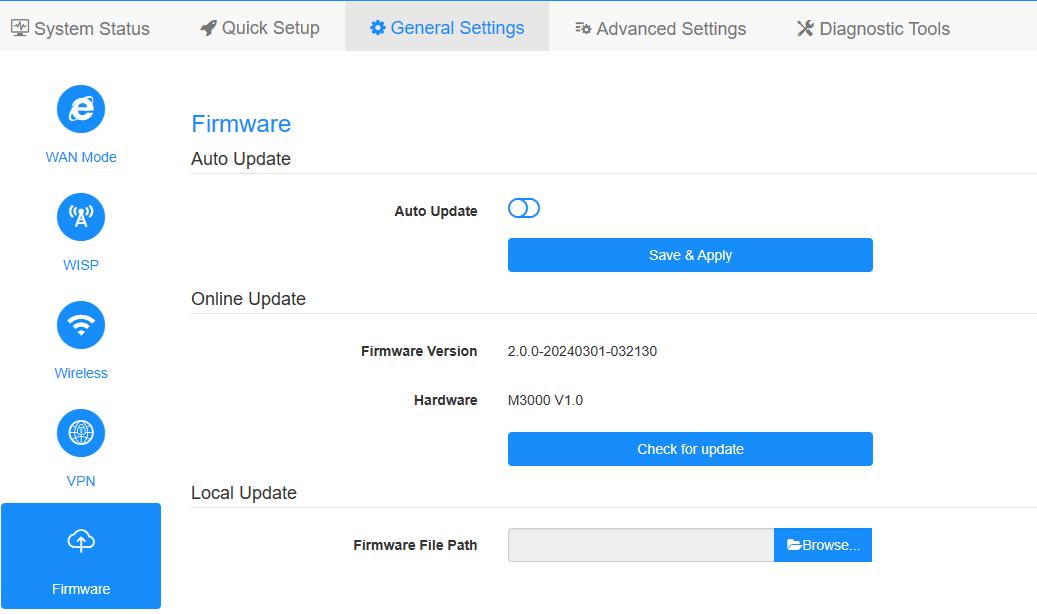
6. Uuendage püsivara.
a. Suurendatud seaded -> Firmware, valige üleslaadimiseks lahti pakitud firmware.
b. Üldised seaded->Firmware lehel saab teha veebipõhist uuendamist ja kohalikku uuendamist.
Märkus: Ainult Firmware 2.x.x või uuemate versioonide tugi.
7. Oodake 5 minutit ruuteri taaskäivitamiseks.
189 kommentaari
I am getting invalid firmware error when trying to update my WR3000 from 1.16.6 to 2.0.0 or 2.2.6.
@Aalvee Anis,
Our technical support has contacted you via email. Please check.
“I’m trying to upload the unzipped BIN file 2.2.6 for Cudy M3000 but the site says that the file is invalid. I have also tried the 2.0.0. (which also turns out to be invalid)”
I’m trying to upload the unzipped BIN file 2.2.6 for Cudy M3000 but the site says that the file is invalid. I have also tried the 2.0.0. (which also turns out to be invalid)
@Teemu,
Dear Customer,
Our technical support has sent you the solutions via email. Please check.
“Hi! I tried to update my P5 routers firmware, but it did not work. I still have 1.16.2 version after update. Can you send me working 2.1.10 version via email?
Thank you in advance."
Hi! I tried to update my P5 routers firmware, but it did not work. I still have 1.16.2 version after update. Can you send me working 2.1.10 version via email?
Thank you in advance.