
Amazon A+ Content
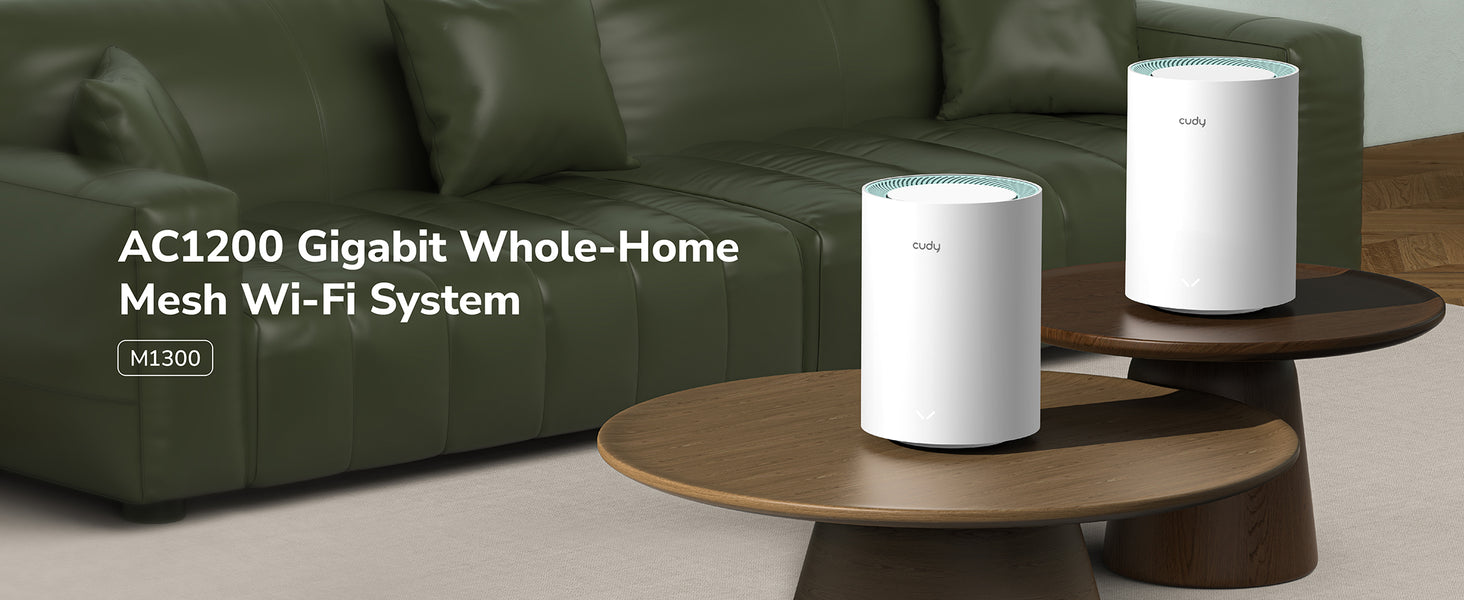
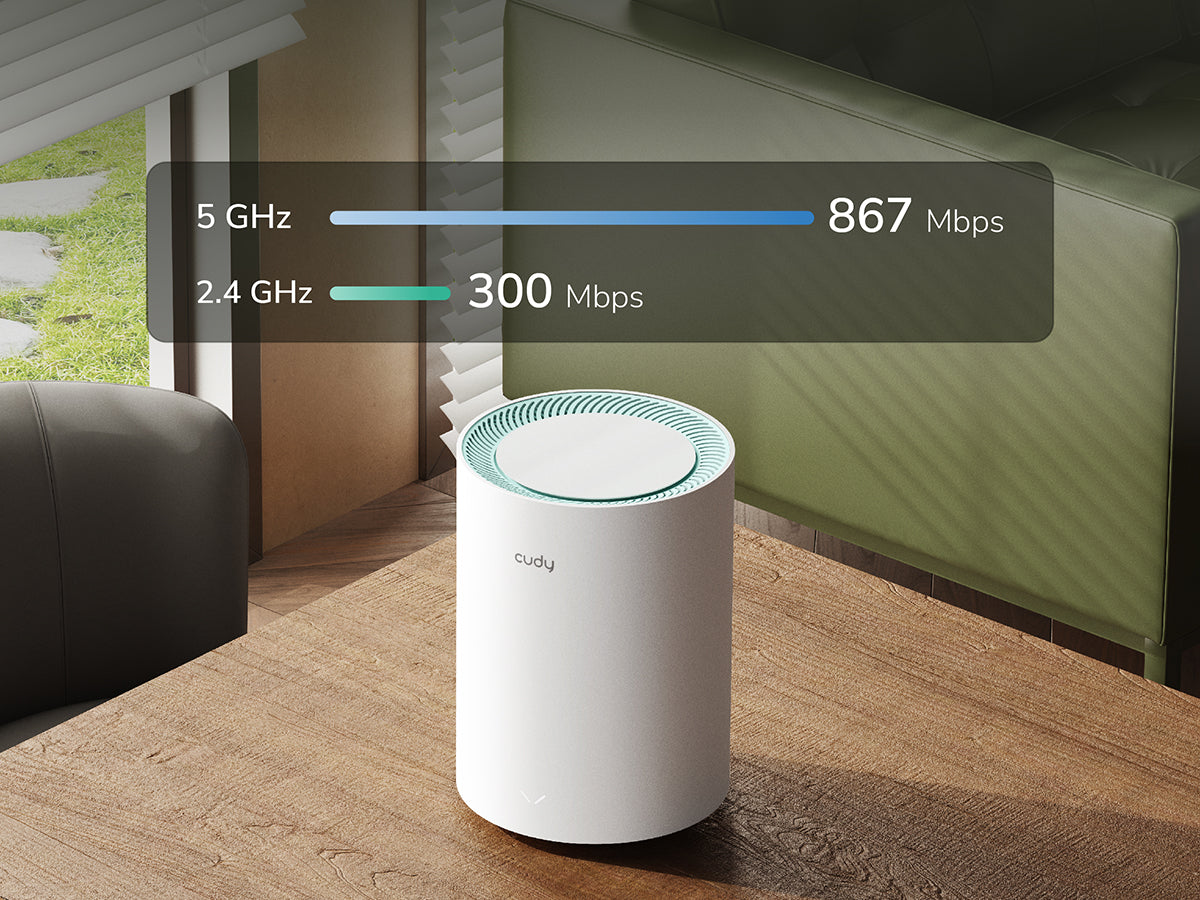
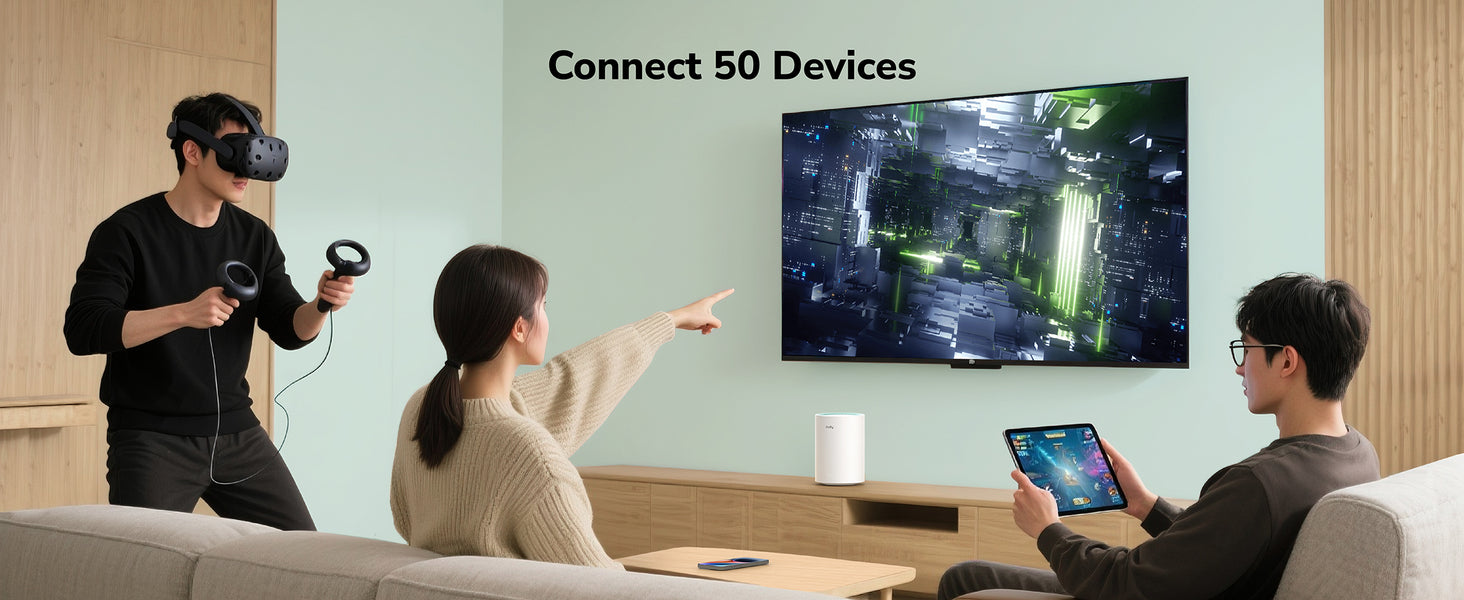
Fast and Reliable AC1200 Mesh Wi-Fi
Fast and Reliable AC1200 Mesh Wi-Fi
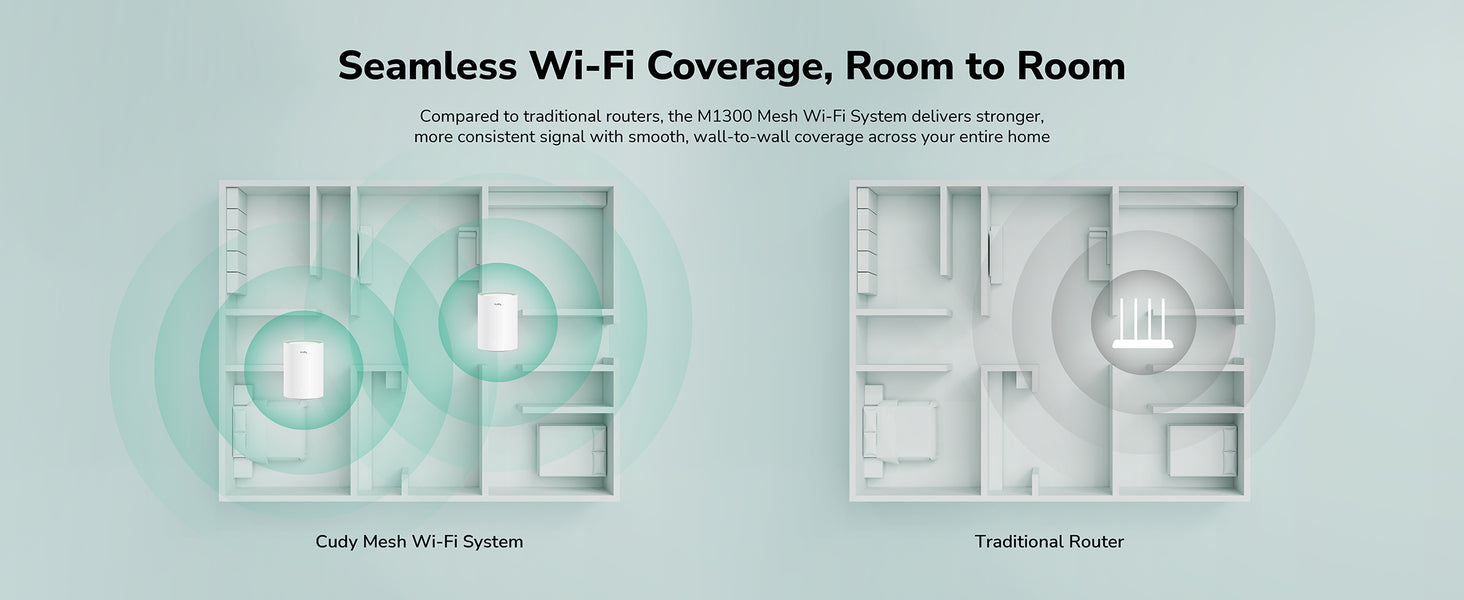
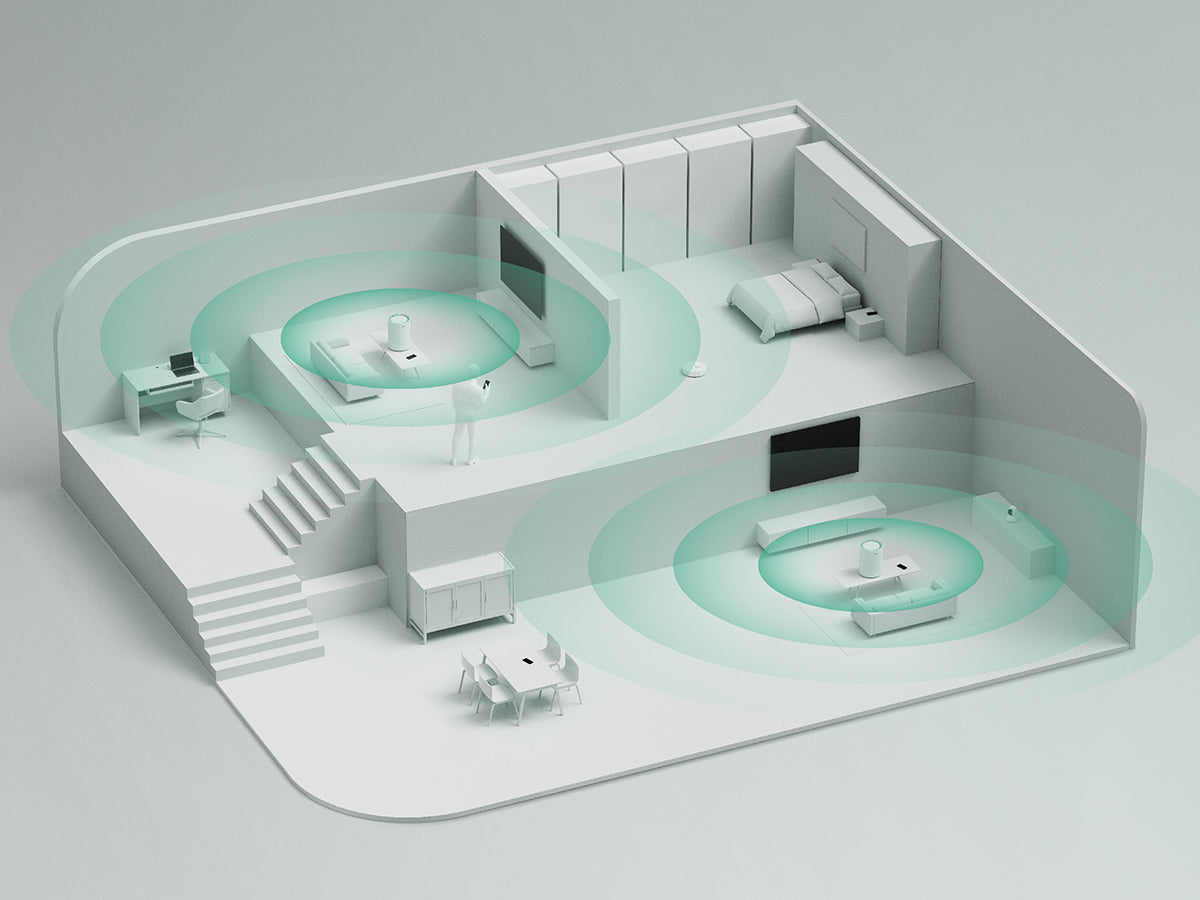
Always Connected to the Best Signal
Always Connected to the Best Signal
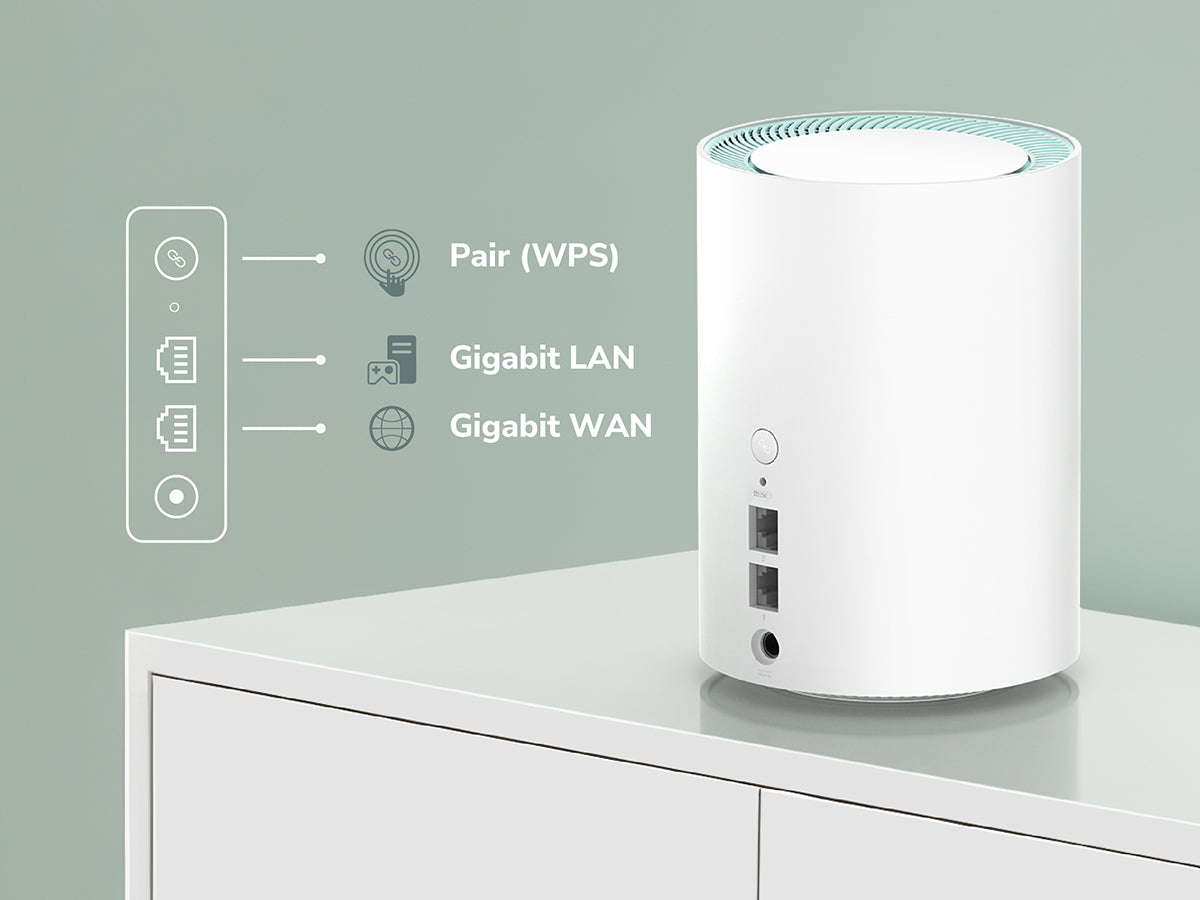
Wired Power Meets Whole-Home Performance
Wired Power Meets Whole-Home Performance

Parental Controls
Parental Controls


Cudy App 网络便捷管理
Cudy App 网络便捷管理


| 型号版本 | ||
|---|---|---|
| 型号版本 | M1300 3.0 | |
| CPU | ||
| CPU | 芯片描述 | 880MHz 双核, MIPS1004Kc |
| 内存/存储 | ||
| 内存/存储 | ROM | 16MB (128Mbit) NOR |
| RAM | 128MB (1Gbit) DDR3 | |
| 无线 | ||
| 无线 | 5GHz 频段最高速率 | 867Mbps |
| 2.4GHz 频段最高速率 | 300Mbps | |
| 5GHz Wi-Fi 空间流 | 2 条空间流 | |
| 2.4GHz Wi-Fi 空间流 | 2 条空间流 | |
| 天线 | 4× 内置 | |
| 5GHz 天线最高增益 | 6.04dBi | |
| 2.4GHz 天线最高增益 | 4.22dBi | |
| 功率放大器 |
|
|
| Beamforming | ||
| 覆盖半径 |
最大: 170 m 设备在室内的实际覆盖半径将受到房屋格局、墙体材质等多种因素影响。 |
|
| 穿墙性能 |
两堵 非承重墙体,每堵厚度 < 10cm 一堵 混凝土墙体/层板,每堵厚度 < 20cm 建议安装在需要 Wi-Fi 区域的中心区域以最大化覆盖体验 |
|
| 接口 | ||
| 接口 | 千兆 RJ45 网口 | 2 |
| 以太网口备注 | 网口1默认为 WAN 口。设备作为 Mesh 子节点时,所有网口为 LAN 口 | |
| 电源 | 直流电源插孔 | |
| LED 指示灯 | ||
| LED 指示灯 |
|
|
| 按钮 | ||
| 按钮 |
|
|
| 电源 | ||
| 电源 | 受电方式 | 直流 |
| 受电规格 | 12V⎓1A | |
| 电源适配器 |
|
|
| 稳定性 | ||
| 稳定性 | 运行环境 |
|
| 产品规格 | ||
| 产品规格 | 安装方式 | 桌面安装 |
| 产品尺寸 | Φ110×154.5 mm | |
| 产品重量 | 291.2g | |
| 包装清单 | ||
| 包装清单 |
|
|
| 订购信息 | ||
| 订购信息 | 零售包装重量 |
|
| 零售包装尺寸 |
1-Pack: 145×130×265mm |
|
| 装箱数量 |
|
|
| 外箱尺寸 | 1-Pack: 57×56×26 cm | |
| 箱装总重量 |
|
|
| 箱装净重量 |
|
|
| 型号版本 | ||
|---|---|---|
| 型号版本 | M1300 3.0 | |
| 无线 | ||
| 无线 | 无线标准 | Wi-Fi 5 |
| 最高调制技术 | 256-QAM | |
| 无线效率技术 | MU-MIMO | |
| 终端数量上限(台) | 128 | |
| 推荐终端数量上限(台) | 50 | |
| 最大 Wi-Fi 频宽 | 80 MHz | |
| 无线加密技术 | WPA/WPA2/WPA3 | |
| 访客网络 | 2.4 GHz,5 GHz | |
| WPS配对 | ||
| 通用 | ||
| 通用 | 工作模式 |
|
| Mesh | Cudy Mesh | |
| Mesh 回传方式 |
|
|
| 多频回传 | ||
| WAN 口模式 |
|
|
| 网络 | ||
| 网络 | 带宽控制 | 指定设备限速 |
| DHCP 服务器 |
|
|
| IP 版本 | IPv4/IPv6 | |
| IPv6 协议 |
|
|
| IPTV/VLAN |
|
|
| TTL 自定义 |
|
|
| IGMP |
|
|
| 转发功能 |
|
|
| 防火墙 |
|
|
| 应用层网关(ALG) |
|
|
| 应用 | ||
| 应用 | 异地组网服务器 |
|
| 异地组网客户端 |
|
|
| 异地组网性能 |
|
|
| 最大异地组网隧道数 |
|
|
| Wake on LAN 网络唤醒 | ||
| 在线检测 | ||
| 上网管理 | ||
| 上网管理 | 全局设备管理 |
|
| 指定设备管理 |
|
|
| 内容控制 |
|
|
| 系统 | ||
| 系统 | LED 控制 | |
| 本地管理方式 |
|
|
| 远程管理方式 |
|
|
| 固件升级方式 |
|
|
| 可靠性功能 |
|
|
| 诊断工具 |
|
|
| 管理面板 | ||
| 管理面板 | 可视化窗口 |
|
| 图表 |
|
|
- 实际无线数据吞吐量会因网络条件, 客户端限制和环境因素(包括建筑布局, 障碍物和客户端位置)而有所不同。
- 使用 MU-MIMO 需要客户端设备也支持 MU-MIMO。