
如下文档以WR3000 V1.0为例介绍如何进行固件升级。
1. 下载您的Cudy路由器型号对应的升级软件并解压。
请打开Cudy官网下载中心,网址是:https://www.cudy.com/zh-cn/pages/download-center/search
产品线选择 “无线路由器”,型号选择 “WR3000 1.0”,如下图所示。请选择最新日期版本的固件,并点击“下载”,将固件下载到您的电脑上。

注意:如果您的路由器型号不是WR3000 V1.0,请选择对应的正确型号并下载正确的固件。
下载的升级固件文件一般是一个ZIP格式的压缩包,请解压成文件夹。如下图所示。

2. 将您的这台电脑使用网线连接到路由器的LAN口或者Wi-Fi连接路由器Wi-Fi无线网络。
3. 电脑打开浏览器登录路由器的网页管理页面,默认网址是 http://cudy.net 或者 http://192.168.10.1。输入管理员密码登录。
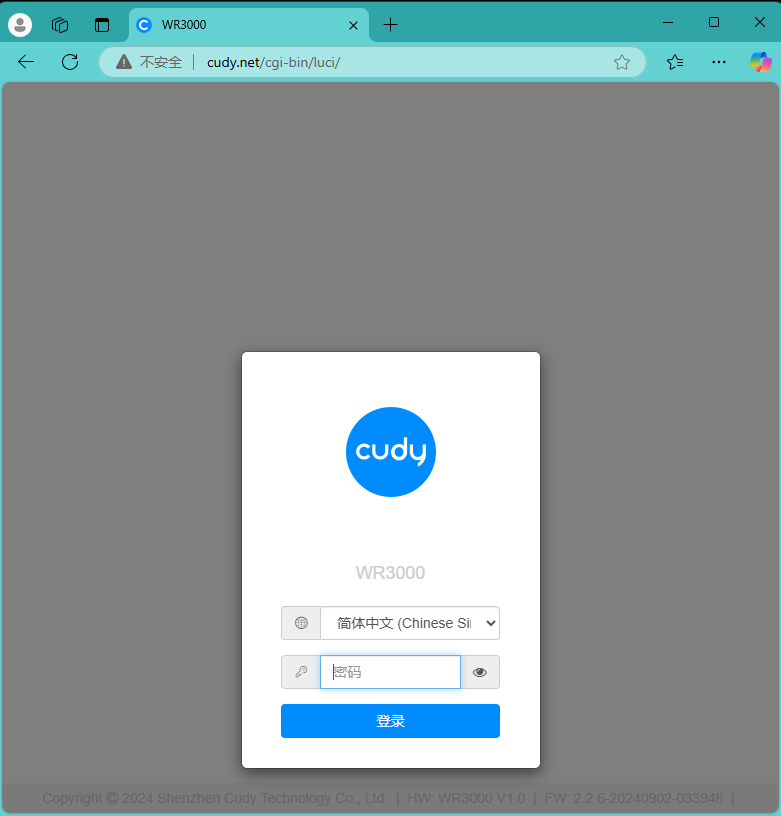
4. 打开“高级设置”---“系统”---“固件升级”页面。

点击“浏览”,在计算机上找到刚刚下载并解压的升级固件。点击“打开”,进行上传。

上传之后,路由器会进行校验,如果没有告警信息,如下图所示。请点击“继续”开始升级。

等待大约3分钟左右,升级并重启完毕。
183 条评论
Recientemente compre un Router Cudy WR1300E 1.0
Cuando descargo el software y lo descomprimo solo me aparece una carpeta, no hay archivo BIN.
Podrían compartirme la actualización de firmware por correo Hanselmontoya47@gmail.com. gracias de antemano.
@beep
Nuestro soporte técnico le ha enviado las soluciones por correo electrónico. Por favor verifique.
“Tengo varios wr3000 y quería actualizar el firmware, es la pagina web no esta”
@Josu Vilacoba
Estimado cliente:
Gracias por contactar al equipo de soporte de Cudy.
¿Podrías decirme qué firmware? Puedes enviarme el modelo o una captura de pantalla. Lo comprobaré.
“Ustedes enlazan a un fichero en google drive que contiene una carpeta. No es un fichero de firmware con extensión .bin”
Tengo varios wr3000 y quería actualizar el firmware, es la pagina web no esta
Ustedes enlazan a un fichero en google drive que contiene una carpeta. No es un fichero de firmware con extensión .bin