
如下文档以WR3000 V1.0为例介绍如何进行固件升级。
1. 下载您的Cudy路由器型号对应的升级软件并解压。
请打开Cudy官网下载中心,网址是:https://www.cudy.com/zh-cn/pages/download-center/search
产品线选择 “无线路由器”,型号选择 “WR3000 1.0”,如下图所示。请选择最新日期版本的固件,并点击“下载”,将固件下载到您的电脑上。

注意:如果您的路由器型号不是WR3000 V1.0,请选择对应的正确型号并下载正确的固件。
下载的升级固件文件一般是一个ZIP格式的压缩包,请解压成文件夹。如下图所示。

2. 将您的这台电脑使用网线连接到路由器的LAN口或者Wi-Fi连接路由器Wi-Fi无线网络。
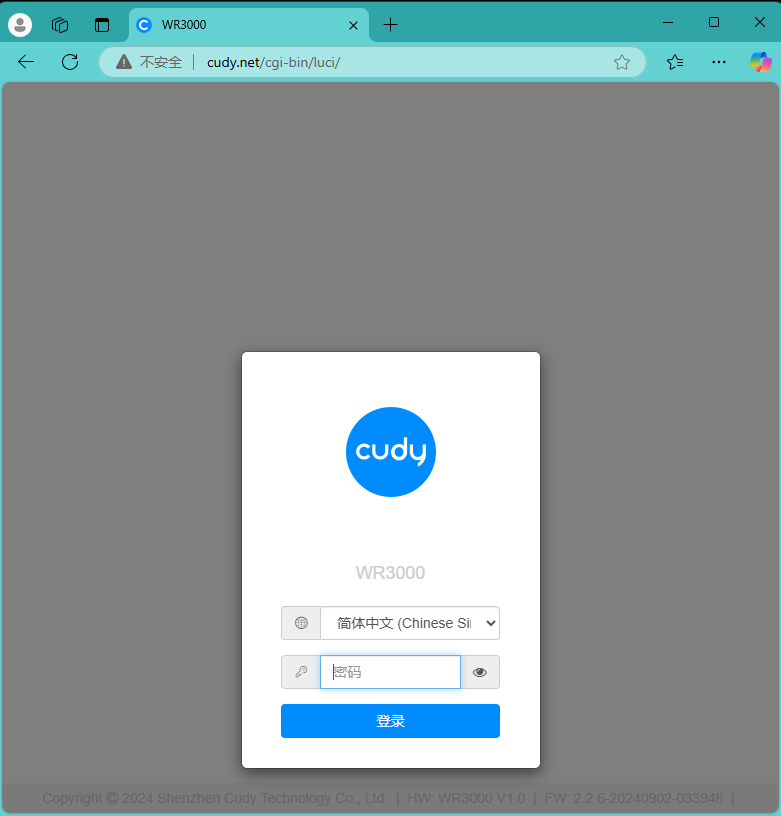
3. 电脑打开浏览器登录路由器的网页管理页面,默认网址是 http://cudy.net 或者 http://192.168.10.1。输入管理员密码登录。
4. 打开“高级设置”---“系统”---“固件升级”页面。

点击“浏览”,在计算机上找到刚刚下载并解压的升级固件。点击“打开”,进行上传。

上传之后,路由器会进行校验,如果没有告警信息,如下图所示。请点击“继续”开始升级。

等待大约3分钟左右,升级并重启完毕。
183 条评论
@Dear Luis,
Yes, we have plan to update the firmware for WR3000S in the near future. Please wait patiently.
“Is the wr3000s still being supported?
There are no updates since May.
I could bet there are some security issues that could be patched.”
Is the wr3000s still being supported?
There are no updates since May.
I could bet there are some security issues that could be patched.
@Dear Lenard,
Please tell us the current firmware version and hardware version. Then tell me the name of the file you plan to update.
“Have cudy wr1200, when I select firmware it say file is invalid. I cannot change sssid and password, what might be the fix?”
Have cudy wr1200, when I select firmware it say file is invalid. I cannot change sssid and password, what might be the fix?
@Dear Dr AmmAr,
There is no need to update the firmware. You can try to adjust the placement of the router to get a better signal strength. Then check if the speed improves.
“I haven’t upgraded latest firmware version of my cudy 4G AC1200 LT500 EU V 1.0 that’s why speed is very low I’m trying to update version 1.15 but haven’t resolve my problem speed is not so much better just 5 to 8 mb speed please send me a latest firmware special for my hardware EU 1.0 I am very thankful to you”