
Cudy ruuteritel on sisseehitatud veebiliides ja see sisemine veebileht ei nõua internetiühendust. Veebihalduslehele sisselogimiseks saate ühendada oma seadme Cudy ruuteriga Wi-Fi või Etherneti kaudu.
Samm 1: Ühendage oma arvuti Cudy ruuteriga Vahejuhtmeta või kaabli kaudu.
Kui juhtmeta: Wi-Fi vaikimisi nimi ja parool on trükitud ruuteri alumisele sildile.
Kui juhtmeta: Wi-Fi vaikimisi nimi ja parool on trükitud ruuteri alumisele sildile.Kui kaabel: Ühendage arvuti ühe ruuteri tagaküljel asuva LAN-pordi külge Ethernet-kaabli abil.
Samm 2: Avage veebilehitseja (Google, Firefox, Edge jne.) ja sisestage aadressiribale http://cudy.net või http://192.168.10.1.
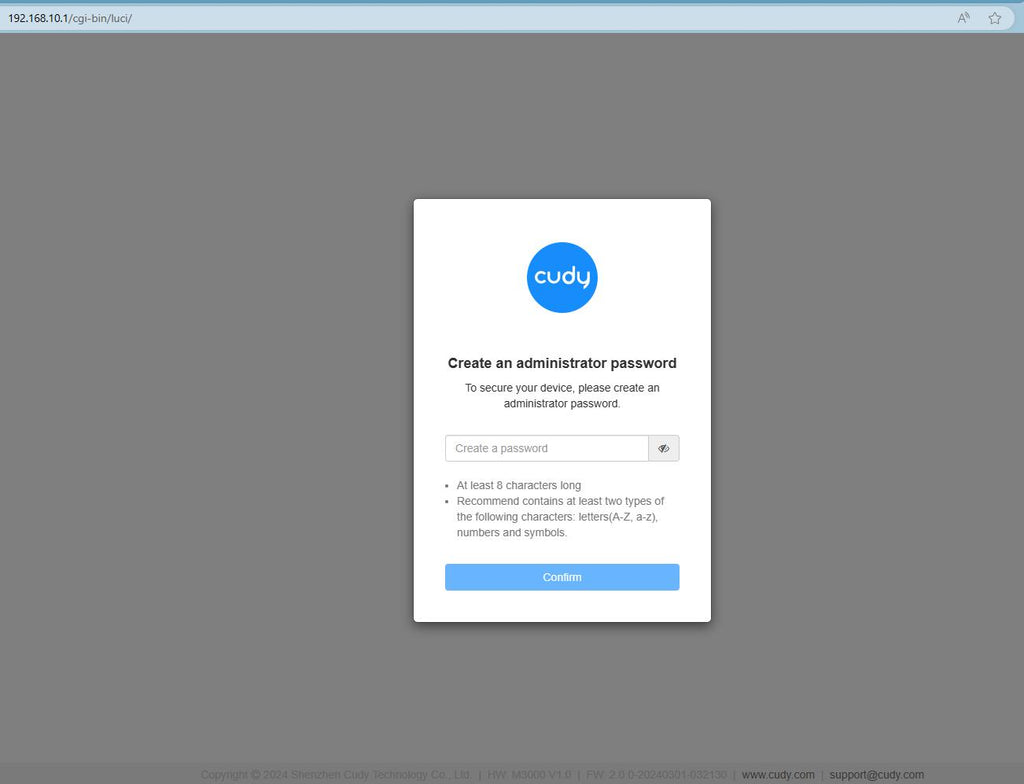
Samm 3: Avaneb alltoodud sisselogimisleht. Valige veebihalduslehe kuvamiskeel ja nõutav parool on "admin" või peate looma ühe parooli.

Veaotsing:
Kui sisselogimisleht ei ilmu, proovige veebilehel järgmisi tõrkeotsingu samme:
Mida teha, kui ma ei pääse oma Cudy ruuteri veebiliidesele ligi?
346 kommentaari
@Wilhelm
I think you forget the password of your router. You can try to remember it. If you can’t remember it. You can try to reset the router to factory default by long press the reset button about 3 seconds. You can release the reset button when the LED flashes. The default password of the WEB panel will recover to default “admin”. You need to set up the router again.
“I want to change the password and name of my router, but I cannot log onto your website using “admin” as password.”
לקוח יקר,
התמיכה הטכנית שלנו שלחה לך את הפתרונות באמצעות e-mail. אנא בדוק.
""
Cannot reach the website to setup my router
I want to change the password and name of my router, but I cannot log onto your website using “admin” as password.
שלום.
האם אפשר להתקין את המכשיר לסלולרי בלי מחשב?
כשאני נרשם לאפליקציה שלוחים לי מייל לאימות והוא לא מגיע אליי