
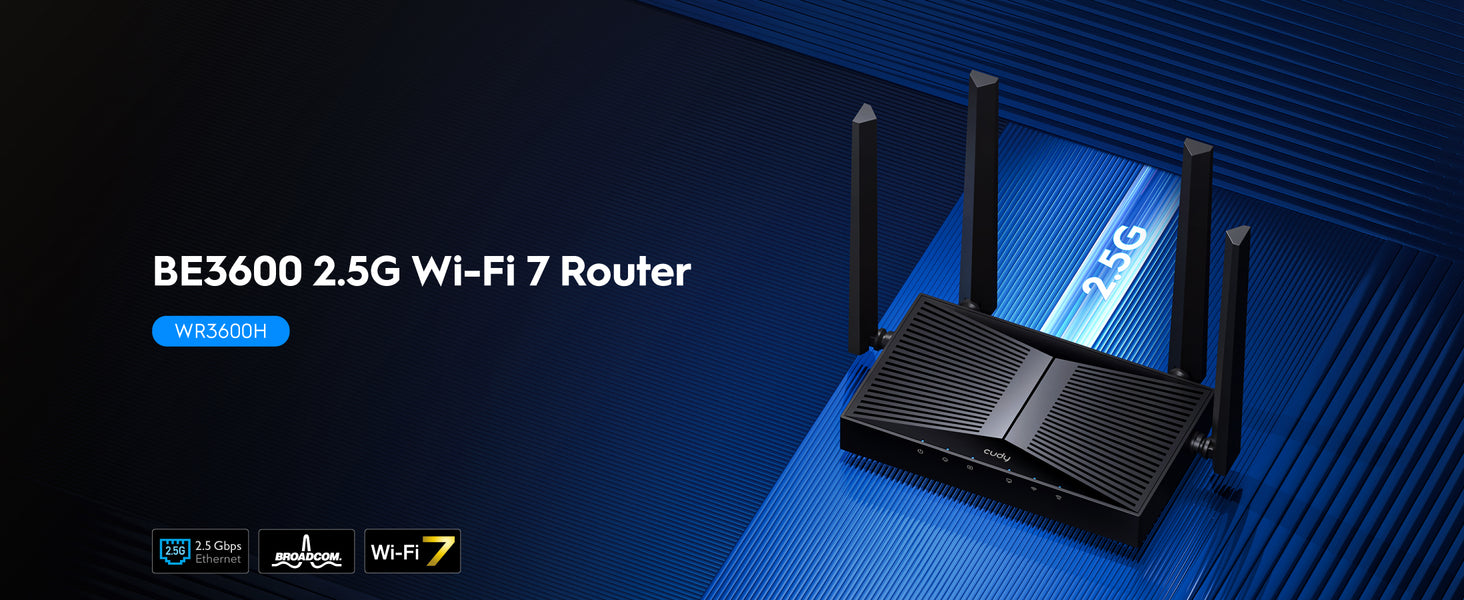
WR3600H
1.0
- BE21000 10G
- BE11000 4× 2,5 G
- BE6500 2.5G
- BE6500 Black
- BE5000 2.5G
- BE3600 2.5G
- BE3600 Black
- BE3600 White
- BE3600 Mini
- AX3000 2.5G PoE
- AX3000 2.5G
- AX3000 5-GbE
- AX3000 4-GbE
- AX3000 Mini
- AX1500.
- AC1200 5-GbE USB
- AC1200 5-GbE
- AC1200 3-GbE
- AC1200 Mini
- AC1200 5-FE
- AC1200 4-FE
- N300 lielas jaudas
- N300
- AX3000 5-GbE
Pakāpeniska izbeigšana
Amazon A+ Content
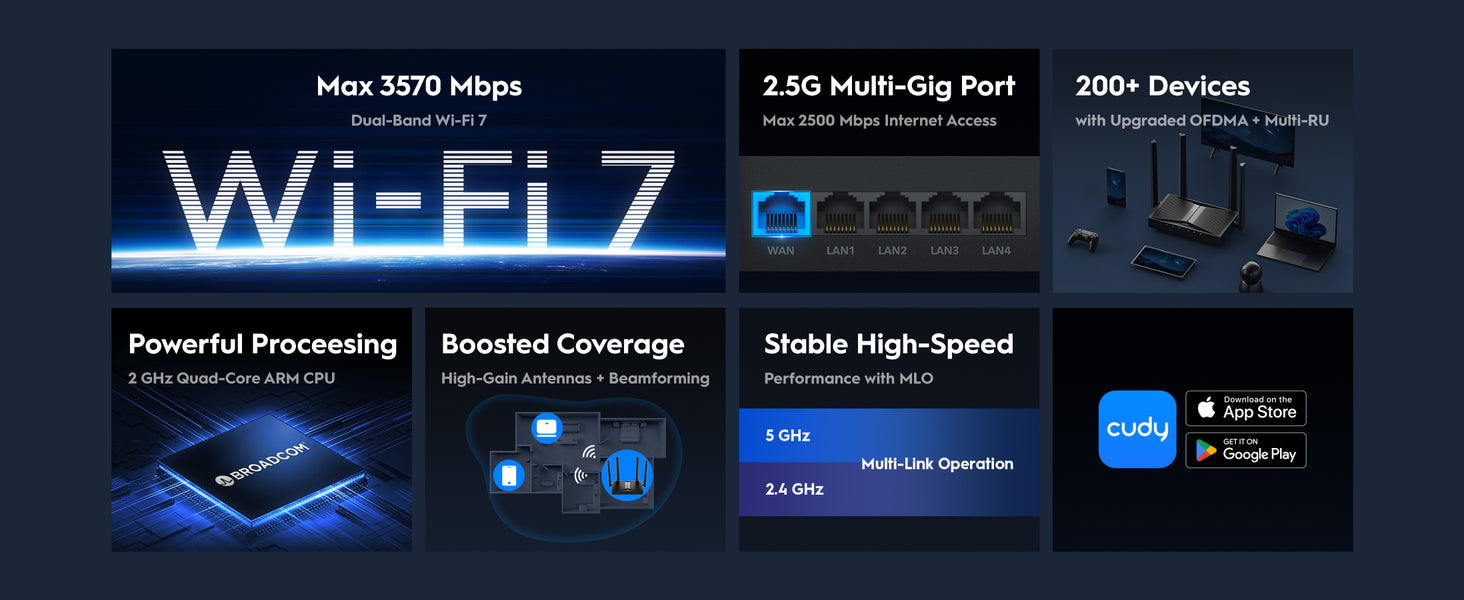

Uzlabota Wi-Fi 7 apstrāde
Jaudīgs procesors. Īpaši ātrdarbīgs.
Uzlabota Wi-Fi 7 apstrāde
Jaudīgs procesors. Īpaši ātrdarbīgs.
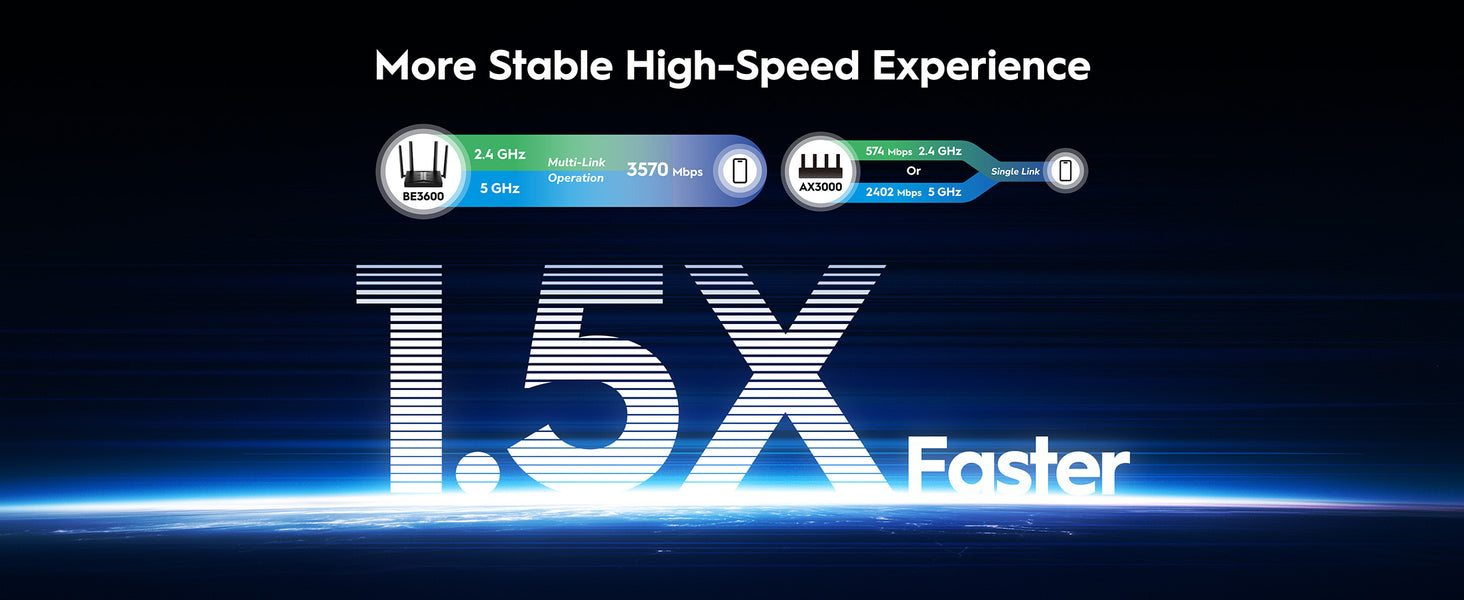
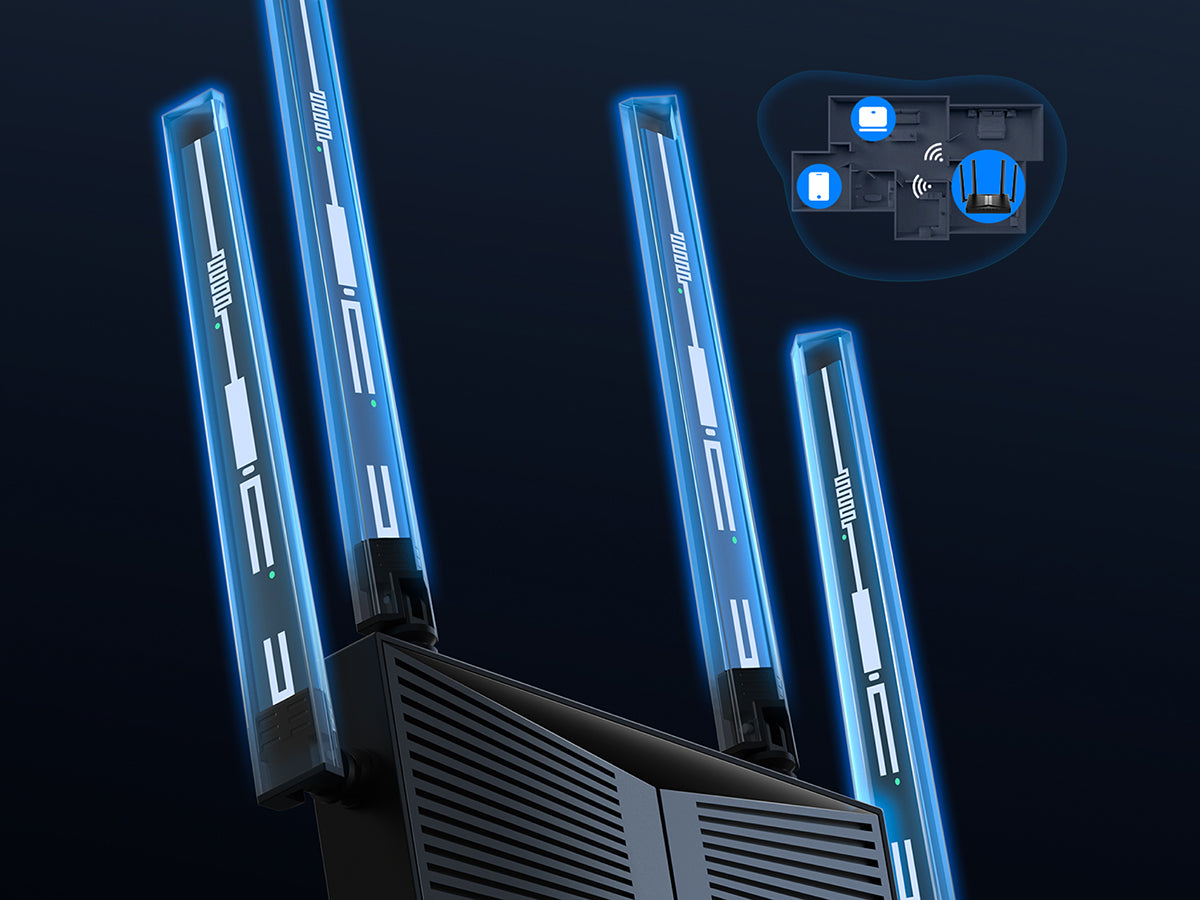
High-Gain Antennas and Beamforming
Optimāls Wi-Fi diapazons papildu telpām
High-Gain Antennas and Beamforming
Optimāls Wi-Fi diapazons papildu telpām
OFDMA ar Multi-RU un caurduršanu
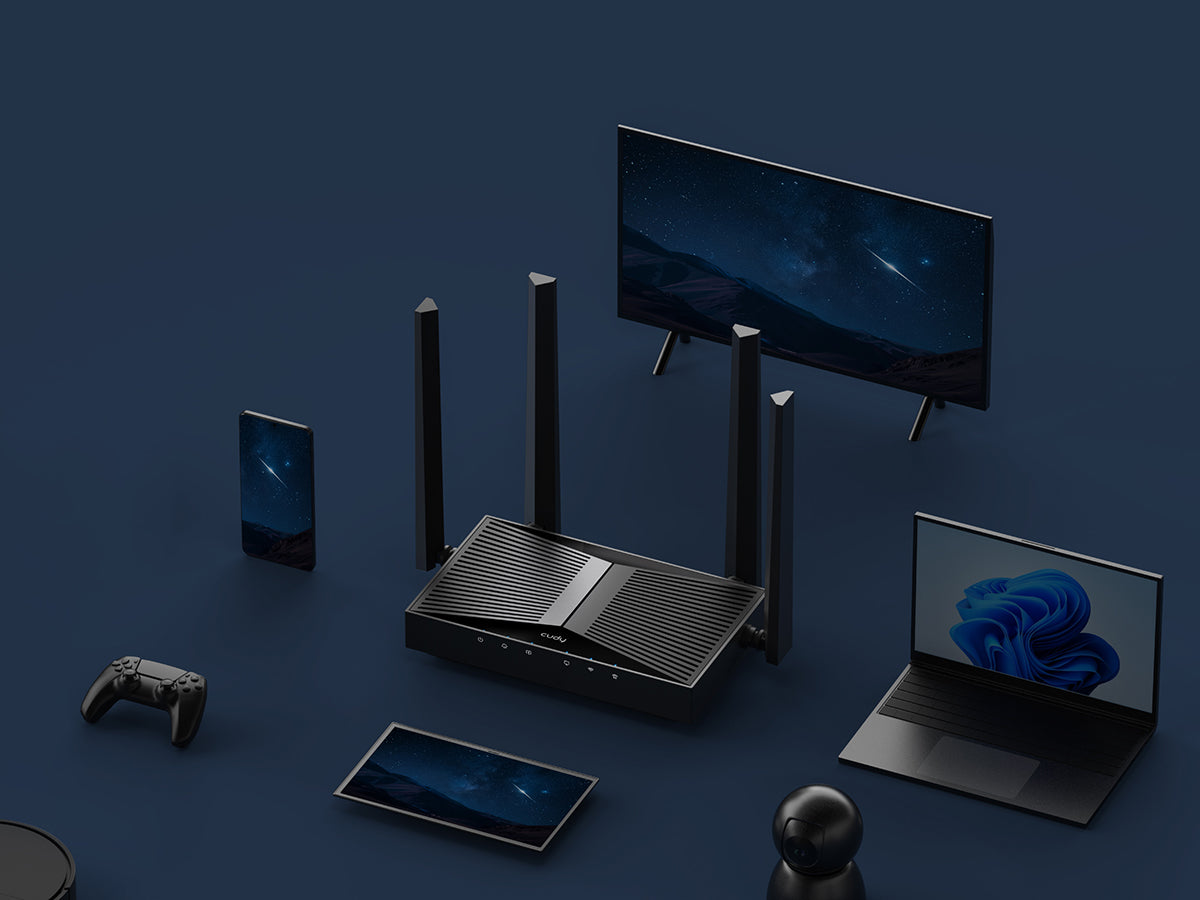
Savienojiet 200 ierīču un saglabājiet ātru savienojumu
OFDMA ar Multi-RU un caurduršanu
Savienojiet 200 ierīču un saglabājiet ātru savienojumu
Viegla iestatīšana un daudzpusīga pārvaldība
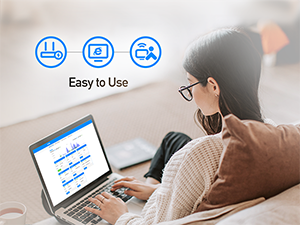
Viegli lietojams

Vecāku kontrole

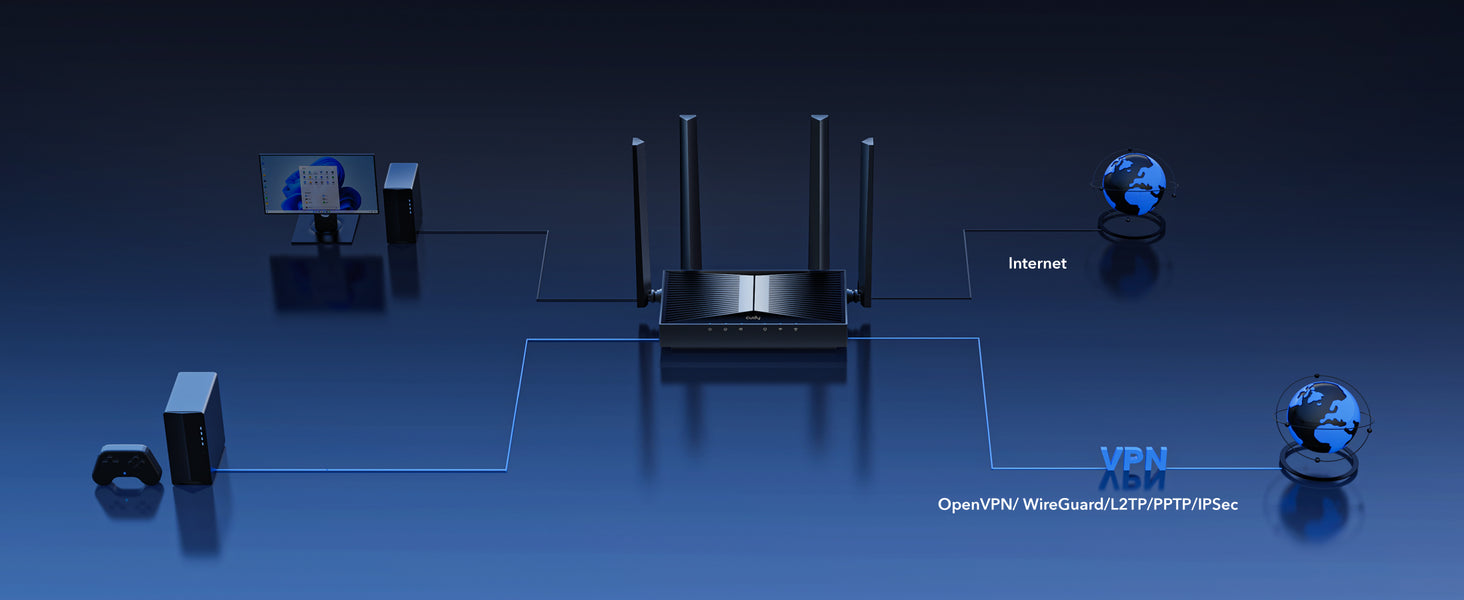
VPN serveris un klients

Cudy lietotne
Droša attālinātā piekļuve ar VPN serveri un klientu


| Modeļa versija | ||
|---|---|---|
| Modeļa versija | WR3600H 1.0 | |
| CPU | ||
| CPU | CPU Details | 2.0 GHz Quad-Core, ARM Cortex-A7 |
| Memory/Storage | ||
| Memory/Storage | Flash/ROM | 128 MB (1 Gbit) NAND |
| DDR/RAM | 512 MB (4 Gbit) DDR3L | |
| Wireless | ||
| Wireless | MLO Speeds | 3570 Mbps |
| 5 GHz Wi-Fi Speed | 2882 Mbps | |
| 2.4 GHz Wi-Fi Speed | 688 Mbps | |
| 5 GHz Wi-Fi Streams | 2 Spatial Streams | |
| 2.4 GHz Wi-Fi Streams | 2 Spatial Streams | |
| Wi-Fi Antennas | 4× Fixed | |
| FEM or PA/LNA | 5 GHz: 2× External, 2.4 GHz: 2× Internal | |
| Beamforming | ||
| Range Performance |
Max: 220 m (722 ft) Tested in open-space environments with minimal interference. Actual WiFi range may vary depending on layout and wall materials. Refer to the Wall Performance specifications for placement suggestions. |
|
| Wall Performance |
Two wooden walls with thickness < 10 cm (4'') One concrete wall with thickness < 20 cm (7'') or two concrete walls with thickness < 10 cm (4'') |
|
| Interfaces | ||
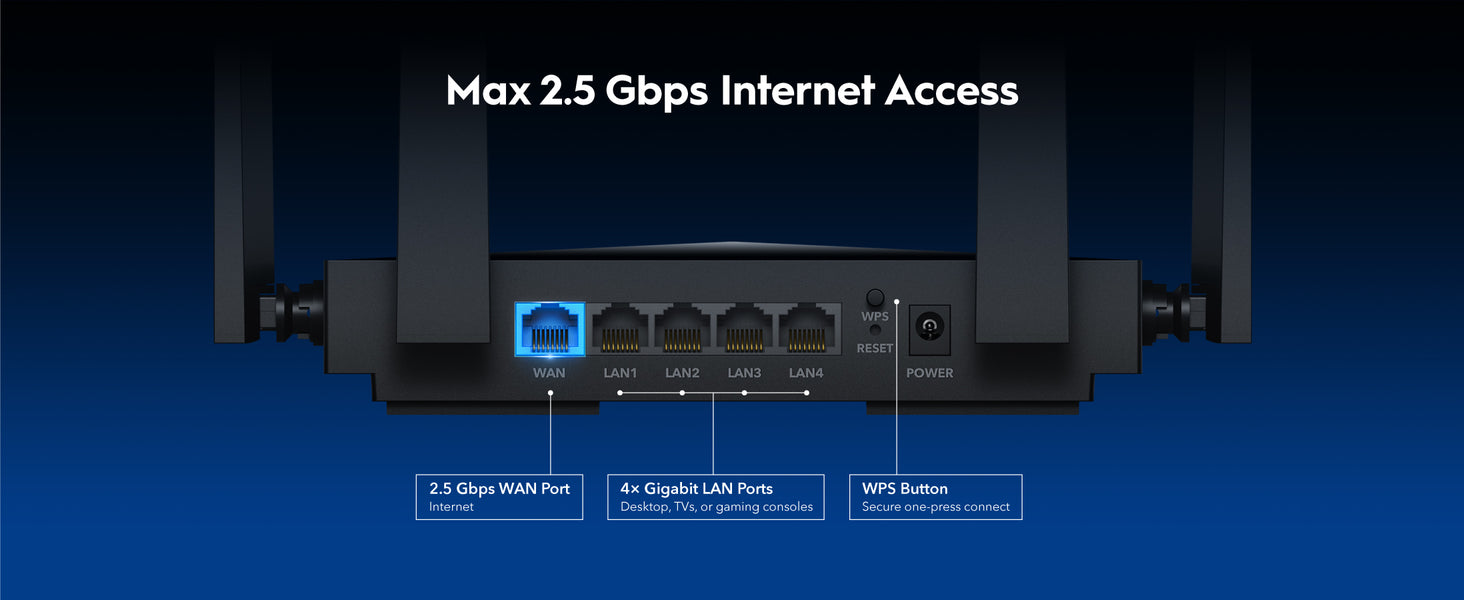
| Interfaces | 2.5G RJ45 Ports | 1 |
| Gigabit RJ45 Ports | 4 | |
| Ethernet Notes | The 2.5G port is WAN port, the Gigabit ports are LAN ports | |
| LED | Power, Internet, WAN, LAN, 2.4 GHz Wi-Fi, 5 GHz Wi-Fi | |
| Physical Buttons | WPS Button, Reset Button | |
| Power | ||
| Power | Power Input Type | DC Jack |
| Power Methods | DC | |
| Power Input | 12V⎓1A | |
| Max Power Consumption (W) | 10W | |
| Power Adapter In the Box |
Input: 100-240V~, 50/60Hz Output: 12V⎓1A |
|
| Reliability | ||
| Reliability | Environment |
|
| Certifications | ||
| Certifications | FCC, CE | |
| Mechanical | ||
| Mechanical | Installation |
|
| Dimension |
Device: 183.3×109×38 mm 7.22×4.29×1.5 inches Each Antenna: 175 mm 6.89 inches |
|
| Product Weight | 332.0 g (11.71 oz.) | |
| Package Content | ||
| Package Content |
|
|
| Ordering Information | ||
| Ordering Information | Retail Package Weight | EU: 762.0 g (26.88 oz.) |
| Retail Package Dimension |
330×256×60 mm 12.99×10.08×2.36 inches |
|
| Units per Carton | 10 | |
| Carton Dimension |
52.8×31.7×34.7 cm 20.79×12.48×13.66 inches |
|
| Carton Gross Weight | EU: 8.5 kg (18.74 lbs) | |
| Carton Net Weight | EU: 7.6 kg (16.76 lbs) | |
| Modeļa versija | ||
|---|---|---|
| Modeļa versija | WR3600H 1.0 | |
| Wireless | ||
| Wireless | Wi-Fi Standards | Wi-Fi 7 |
| Separate Client | ||
| Max Wi-Fi Modulation | 4K-QAM | |
| Wi-Fi Efficiency |
|
|
| Max Capacity | 512 | |
| Recommended Client Upper Limit | 200 | |
| Wi-Fi Channel Width | Auto/20/40/80/160 MHz | |
| Wi-Fi Security | WPA/WPA2/WPA3 | |
| Guest Network | 2.4 GHz, 5 GHz | |
| WPS | ||
| General | ||
| General | Operation Modes |
|
| Mesh | Cudy Mesh | |
| Mesh Backhaul |
|
|
| Multi-Band Backhaul | ||
| WAN Mode |
|
|
| Network | ||
| Network | QoS |
|
| DHCP |
|
|
| IP Versions | IPv4/IPv6 | |
| IPv6 Protocols |
|
|
| Multicast | ||
| IPTV/VLAN |
|
|
| TTL Customization |
|
|
| IGMP |
|
|
| Forwarding |
|
|
| Firewall |
|
|
| Application Layer Gateway |
|
|
| Utilities | ||
| Utilities | VPN Server |
|
| VPN Client |
|
|
| VPN Performance |
|
|
| DNS Options |
|
|
| DNS over TLS Providers |
|
|
| Wake on LAN | ||
| Online Detection | ||
| Management | ||
| Management | Parental Controls |
|
| All Devices Management |
|
|
| Per-Devices Management |
|
|
| Content Management |
|
|
| System | ||
| System | LED Control | |
| Local Control Method |
|
|
| Remote Control Method |
|
|
| Firmware Upgrade |
|
|
| Reliability |
|
|
| Diagnostic Tools |
|
|
| Languages |
|
|
| Dashboard | ||
| Dashboard | Panel |
|
| Charts |
|
|
- Faktiskā bezvadu datu caurlaides spēja var atšķirties atkarībā no tīkla apstākļiem, klienta ierobežojumiem un vides faktoriem, tostarp ēkas izkārtojuma, šķēršļiem un klienta atrašanās vietas.
- Prasība par bezvadu pārklājumu kalpo tikai kā atsauce. Pārklājuma veiktspēja var atšķirties atkarībā no vides faktoriem, tostarp ēku izvietojuma, šķēršļiem, satiksmes intensitātes un blīvuma, kā arī ierīces atrašanās vietas. Lai nodrošinātu optimālu pārklājumu, novietojiet ierīci centrālajā vietā teritorijā, kurā nepieciešams Wi-Fi.