
1. Lejupielādējiet jaunāko programmaparatūru no Saņemšanas centra.
2. Izaizzipējiet lejupielādēto failu
3. Ieslēdziet Cudy ierīci, pagaidiet, līdz LED indikators kļūst stabils.
4. Pievienojieties Cudy tīklam, izmantojot WiFi vai Ethernet.
5. Atveriet tīmekļa pārlūkprogrammu un dodieties uz http://cudy.net vai http://192.168.10.1.
Sīkāku informāciju skatīt Kā pieteikties Cudy Router tīmekļa saskarnē?"
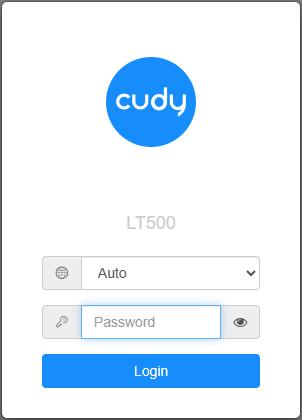
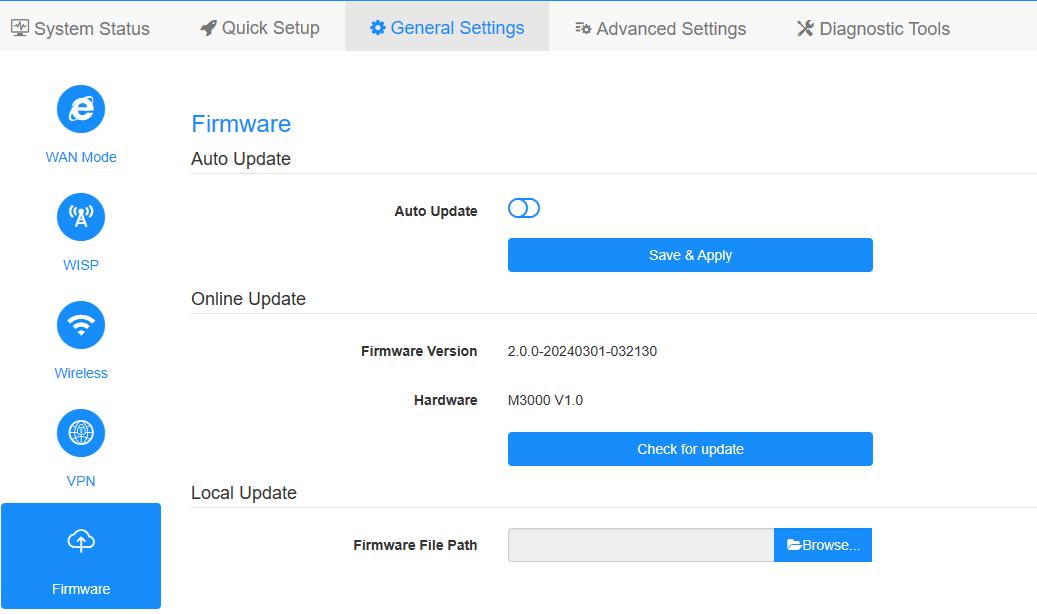
6. Atjauniniet programmaparatūru.
a. Paplašinātie iestatījumi -> Firmware, izvēlieties izaizzipēto programmaparatūru, ko augšupielādēt.
b. Vispārējie iestatījumi->Firmware lapā var veikt tiešsaistes atjaunināšanu un vietējo atjaunināšanu.
Piezīme: Atbalsta tikai programmaparatūru 2.x.x vai jaunāku.
7. 5 minūtes jāgaida, līdz maršrutētājs tiks restartēts.
189 komentāri
After updating the Cudy P5 router to Firmware Version 2.4.23 US, the device restarts every day.
@Dear Luis,
Yes, we have plan to update the firmware for WR3000S in the near future. Please wait patiently.
“Is the wr3000s still being supported?
There are no updates since May.
I could bet there are some security issues that could be patched.”
Is the wr3000s still being supported?
There are no updates since May.
I could bet there are some security issues that could be patched.
@Dear Lenard,
Please tell us the current firmware version and hardware version. Then tell me the name of the file you plan to update.
“Have cudy wr1200, when I select firmware it say file is invalid. I cannot change sssid and password, what might be the fix?”
Have cudy wr1200, when I select firmware it say file is invalid. I cannot change sssid and password, what might be the fix?