
WR3600
1.0
- BE21000 10G
- BE11000 4× 2,5 G
- BE6500 2.5G
- BE6500 Juoda
- BE5000 2.5G
- BE3600 2.5G
- BE3600 Black
- BE3600 Balta
- BE3600 Mini
- AX3000 2.5G PoE
- AX3000 2.5G
- AX3000 5-GbE
- AX3000 4-GbE
- AX3000 Mini
- AX1500.
- AC1200 5-GbE USB
- AC1200 5-GbE
- AC1200 3-GbE
- AC1200 Mini
- AC1200 5-FE
- AC1200 4-FE
- N300 didelės galios
- N300
- AX3000 5-GbE
Palaipsnis nutraukimas
Amazon A+ Content



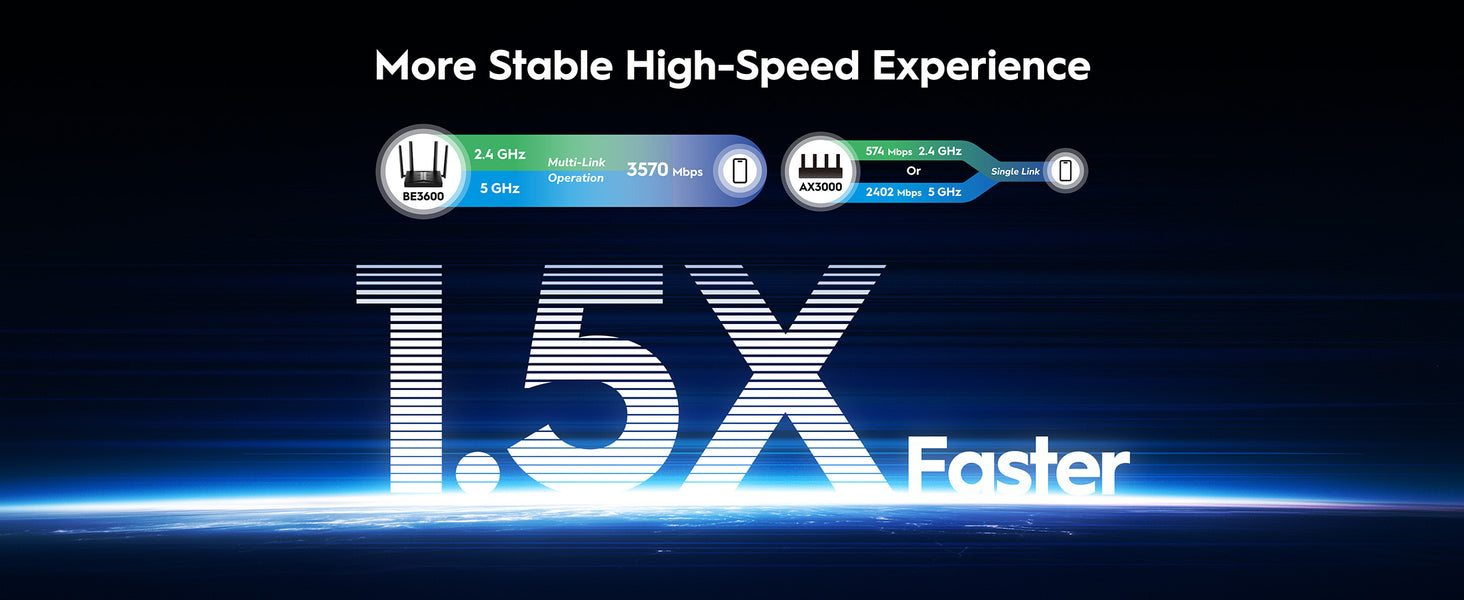
Išplėstinis "Wi-Fi 7" apdorojimas
Galingas procesorius. Itin jautrus.
Išplėstinis "Wi-Fi 7" apdorojimas
Galingas procesorius. Itin jautrus.
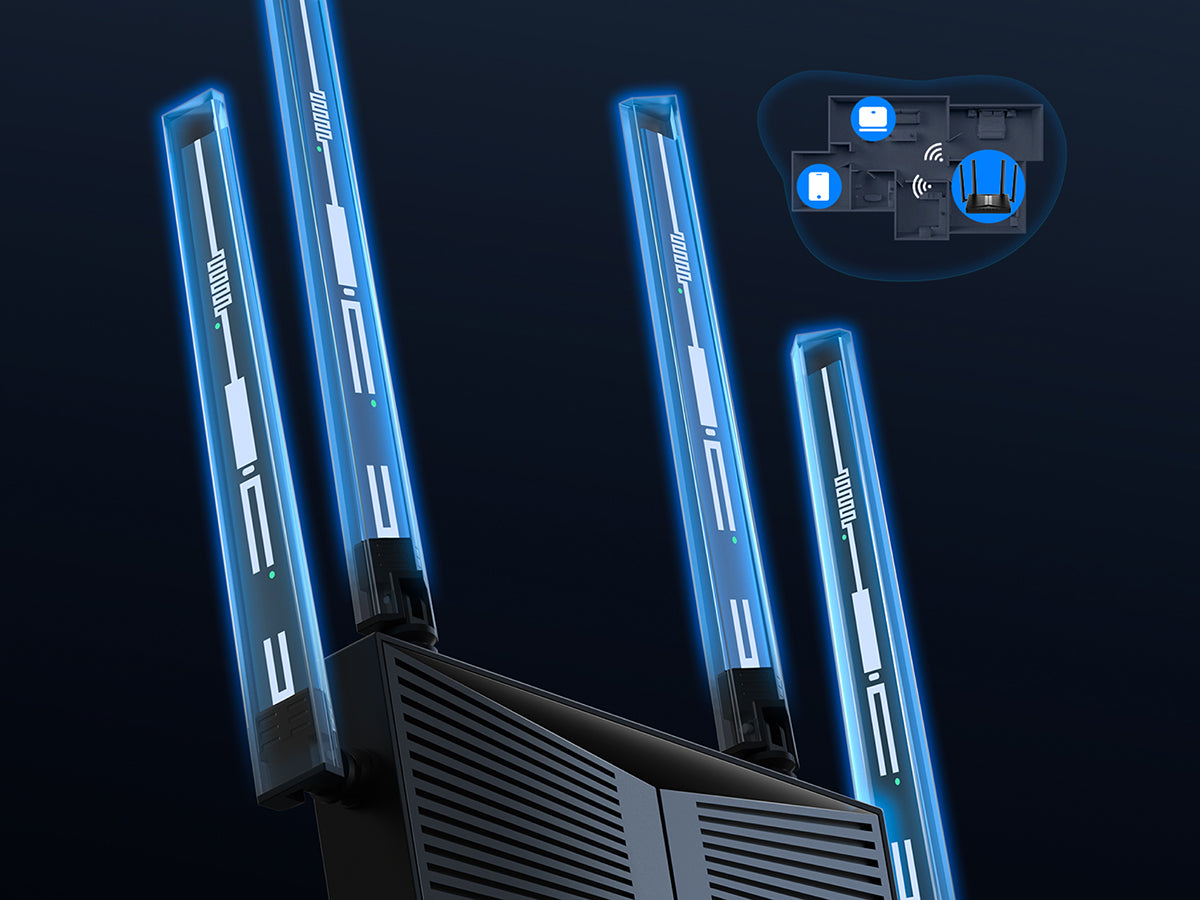
High-Gain Antennas and Beamforming
Optimalus Wi-Fi veikimo spindulys papildomuose kambariuose
High-Gain Antennas and Beamforming
Optimalus Wi-Fi veikimo spindulys papildomuose kambariuose
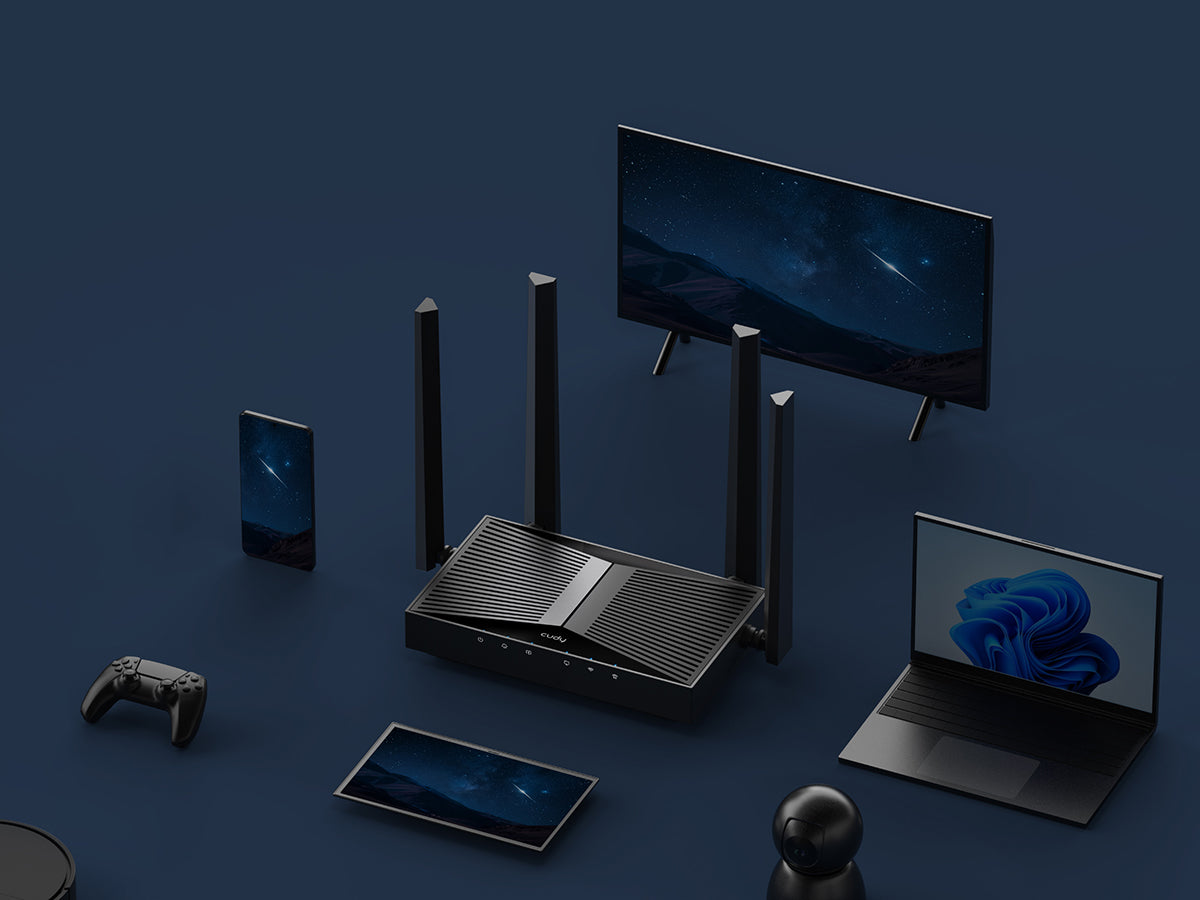
OFDMA with Multi-RU and Puncturing
Prijunkite 200 įrenginių ir būkite greiti
OFDMA with Multi-RU and Puncturing
Prijunkite 200 įrenginių ir būkite greiti

Lengva sąranka ir įvairiapusis valdymas
Lengva naudoti

Tėvų kontrolė

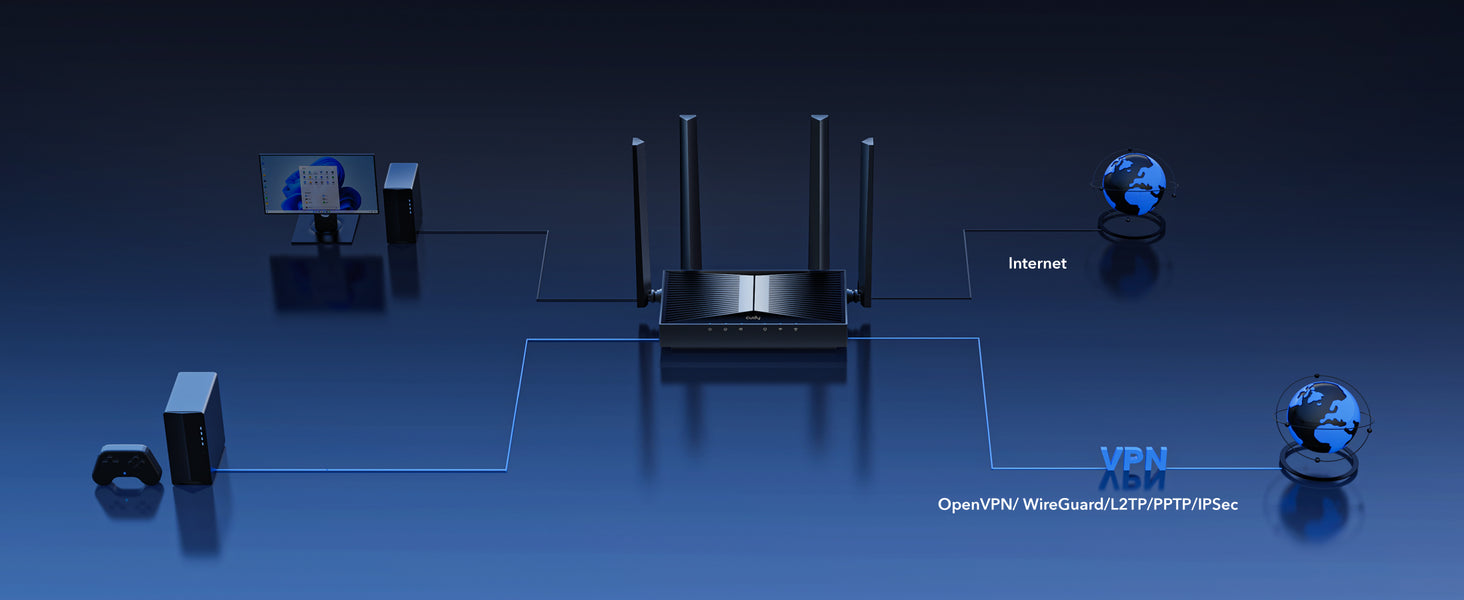
VPN serveris ir klientas

Cudy App
Saugi nuotolinė prieiga su VPN serveriu ir klientu

Cudy App
Cudy App


| Modelio versija | ||
|---|---|---|
| Modelio versija | WR3600 1.0 | |
| CPU | ||
| CPU | CPU Details | 2.0 GHz Quad-Core, ARM Cortex-A7 |
| Memory/Storage | ||
| Memory/Storage | Flash/ROM | 128 MB (1 Gbit) NAND |
| DDR/RAM | 512 MB (4 Gbit) DDR3L | |
| Wireless | ||
| Wireless | MLO Speeds | 3570 Mbps |
| 5 GHz Wi-Fi Speed | 2882 Mbps | |
| 2.4 GHz Wi-Fi Speed | 688 Mbps | |
| 5 GHz Wi-Fi Streams | 2 Spatial Streams | |
| 2.4 GHz Wi-Fi Streams | 2 Spatial Streams | |
| Wi-Fi Antennas | 4× Fixed | |
| FEM or PA/LNA | 5 GHz: 2× External, 2.4 GHz: 2× Internal | |
| Beamforming | ||
| Range Performance |
Max: 220 m (722 ft) Tested in open-space environments with minimal interference. Actual WiFi range may vary depending on layout and wall materials. Refer to the Wall Performance specifications for placement suggestions. |
|
| Wall Performance |
Two wooden walls with thickness < 10 cm (4'') One concrete wall with thickness < 20 cm (7'') or two concrete walls with thickness < 10 cm (4'') |
|
| Interfaces | ||
| Interfaces | Gigabit RJ45 Ports | 5 |
| Ethernet Notes | 1× WAN port, the rest are LAN ports | |
| LED | Power, Internet, WAN, LAN, 2.4 GHz Wi-Fi, 5 GHz Wi-Fi | |
| Physical Buttons | WPS Button, Reset Button | |
| Power | ||
| Power | Power Input Type | DC Jack |
| Power Methods | DC | |
| Power Input | 12V⎓1A | |
| Max Power Consumption (W) | 9W | |
| Power Adapter In the Box |
Input: 100-240V~, 50/60Hz Output: 12V⎓1A |
|
| Reliability | ||
| Reliability | Environment |
|
| Certifications | ||
| Certifications | FCC, CE | |
| Mechanical | ||
| Mechanical | Installation |
|
| Dimension |
Device: 183.3×109×38 mm 7.22×4.29×1.5 inches Each Antenna: 175 mm 6.89 inches |
|
| Product Weight | 333.5 g (11.76 oz.) | |
| Package Content | ||
| Package Content |
|
|
| Ordering Information | ||
| Ordering Information | Retail Package Weight | ZH: 725.0 g (25.57 oz.) |
| Retail Package Dimension |
330×256×60 mm 12.99×10.08×2.36 inches |
|
| Units per Carton | 10 | |
| Carton Dimension |
52.8×31.7×34.7 cm 20.79×12.48×13.66 inches |
|
| Carton Gross Weight | ZH: 8.1 kg (17.86 lbs) | |
| Carton Net Weight | ZH: 7.3 kg (16.09 lbs) | |
| Modelio versija | ||
|---|---|---|
| Modelio versija | WR3600 1.0 | |
| Wireless | ||
| Wireless | Wi-Fi Standards | Wi-Fi 7 |
| Separate Client | ||
| Max Wi-Fi Modulation | 4K-QAM | |
| Wi-Fi Efficiency |
|
|
| Max Capacity | 512 | |
| Recommended Client Upper Limit | 200 | |
| Wi-Fi Channel Width | Auto/20/40/80/160 MHz | |
| Wi-Fi Security | WPA/WPA2/WPA3 | |
| Guest Network | 2.4 GHz, 5 GHz | |
| WPS | ||
| General | ||
| General | Operation Modes |
|
| Mesh | Cudy Mesh | |
| Mesh Backhaul |
|
|
| Multi-Band Backhaul | ||
| WAN Mode |
|
|
| Network | ||
| Network | QoS |
|
| DHCP |
|
|
| IP Versions | IPv4/IPv6 | |
| IPv6 Protocols |
|
|
| Multicast | ||
| IPTV/VLAN |
|
|
| TTL Customization |
|
|
| IGMP |
|
|
| Forwarding |
|
|
| Firewall |
|
|
| Application Layer Gateway |
|
|
| Utilities | ||
| Utilities | VPN Server |
|
| VPN Client |
|
|
| VPN Performance |
|
|
| DNS Options |
|
|
| DNS over TLS Providers |
|
|
| Wake on LAN | ||
| Online Detection | ||
| Management | ||
| Management | Parental Controls |
|
| All Devices Management |
|
|
| Per-Devices Management |
|
|
| Content Management |
|
|
| System | ||
| System | LED Control | |
| Local Control Method |
|
|
| Remote Control Method |
|
|
| Firmware Upgrade |
|
|
| Reliability |
|
|
| Diagnostic Tools |
|
|
| Languages |
|
|
| Dashboard | ||
| Dashboard | Panel |
|
| Charts |
|
|
- Faktinis belaidžio duomenų perdavimo našumas gali skirtis dėl tinklo sąlygų, kliento apribojimų ir aplinkos veiksnių, įskaitant pastato išdėstymą, kliūtis ir kliento buvimo vietą.
- Teiginys apie belaidžio ryšio aprėptį naudojamas tik kaip nuoroda. Aprėpties našumas gali skirtis dėl aplinkos veiksnių, įskaitant pastatų išdėstymą, kliūtis, eismo intensyvumą ir tankį bei įrenginio vietą. Kad aprėptis būtų optimali, įrenginį statykite centrinėje vietoje toje zonoje, kurioje reikia Wi-Fi.